一个 Minecraft 启动器A Minecraft launcher
你装好的游戏就在原地启动。存档和模组留在原处。Play the game you already installed, right where it is. Saves and mods stay put.
Windows 安装包还没发布。发布后,这个按钮就能下载。The Windows installer is not published yet. Once it is, this button will download it.
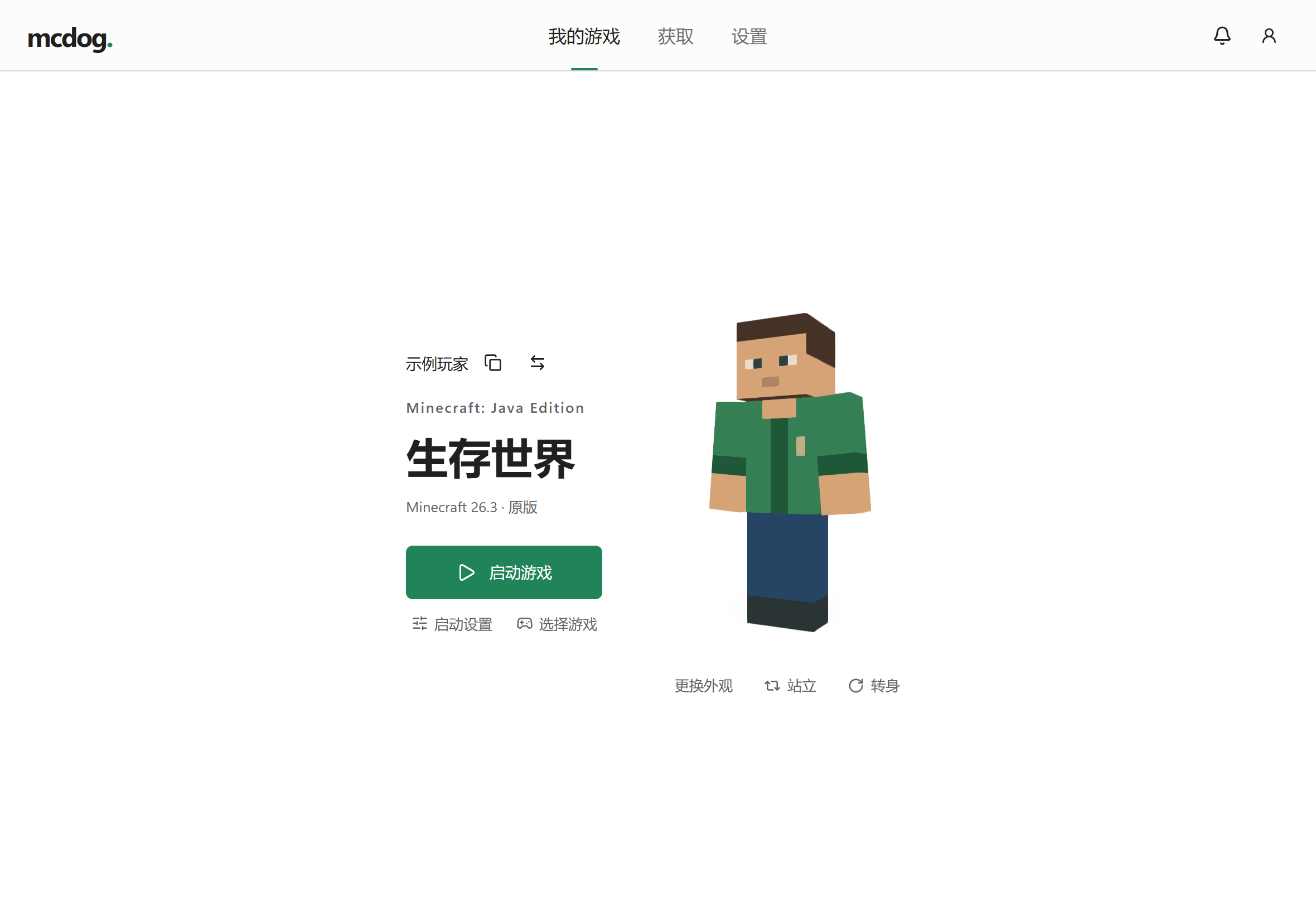
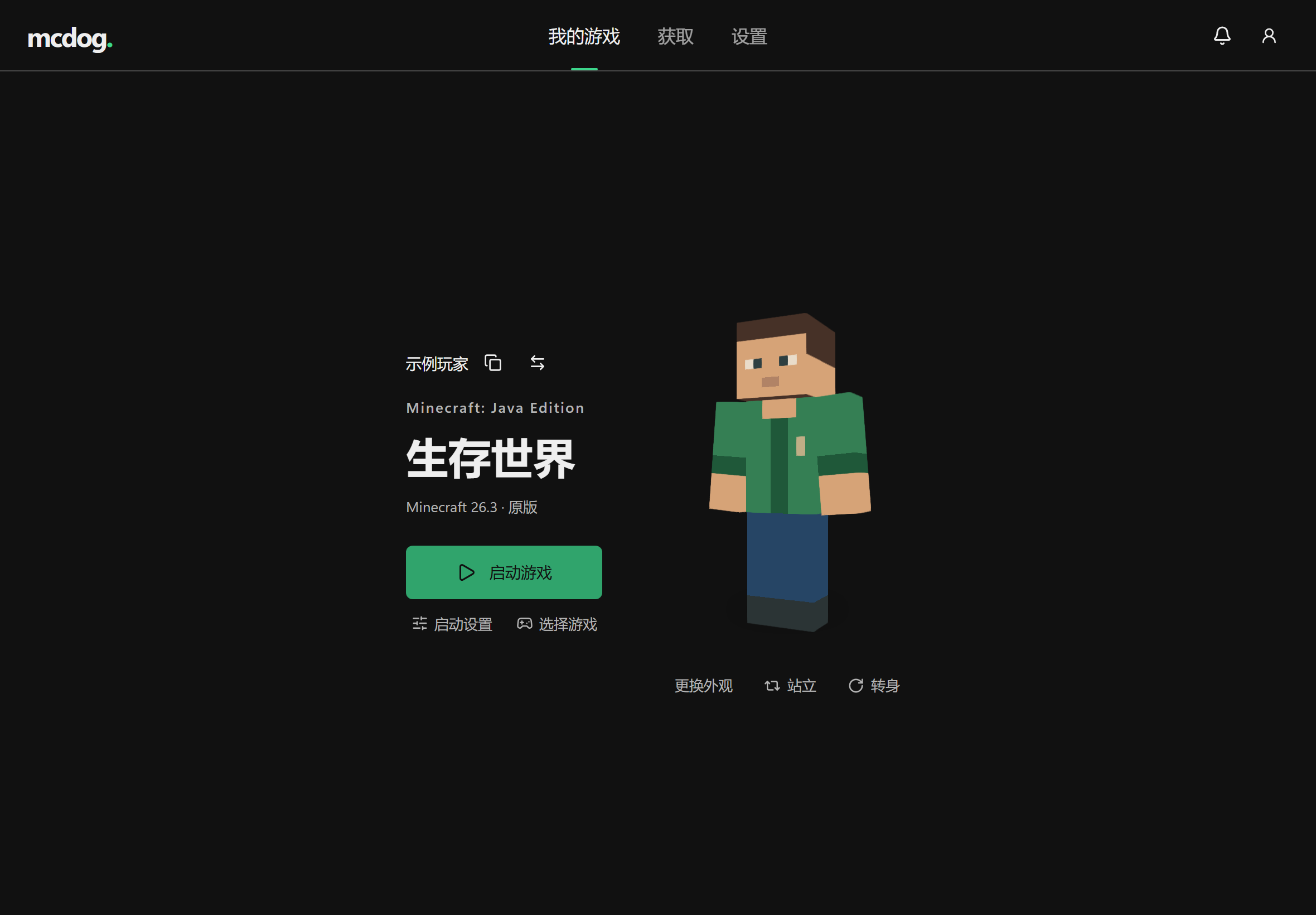
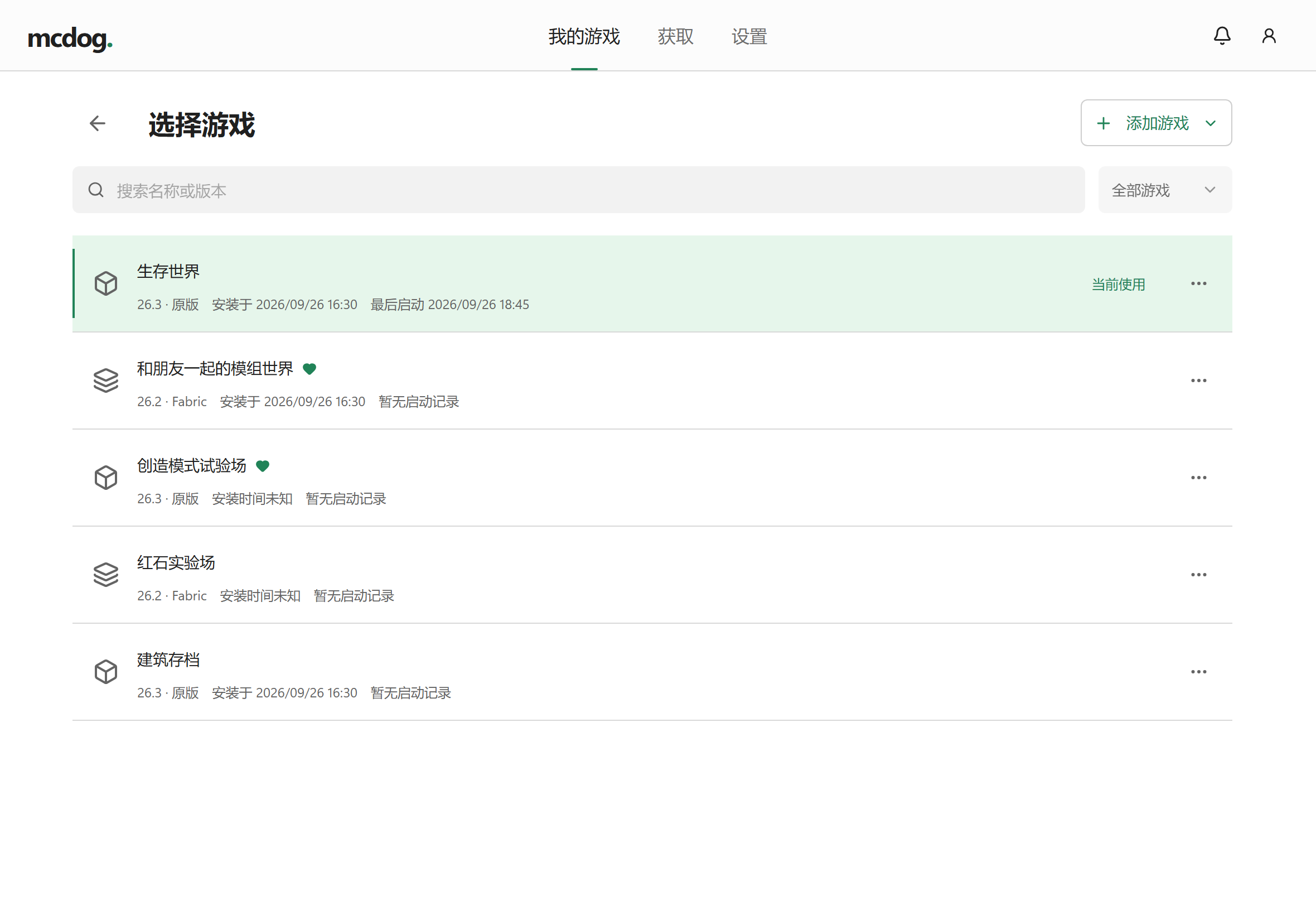
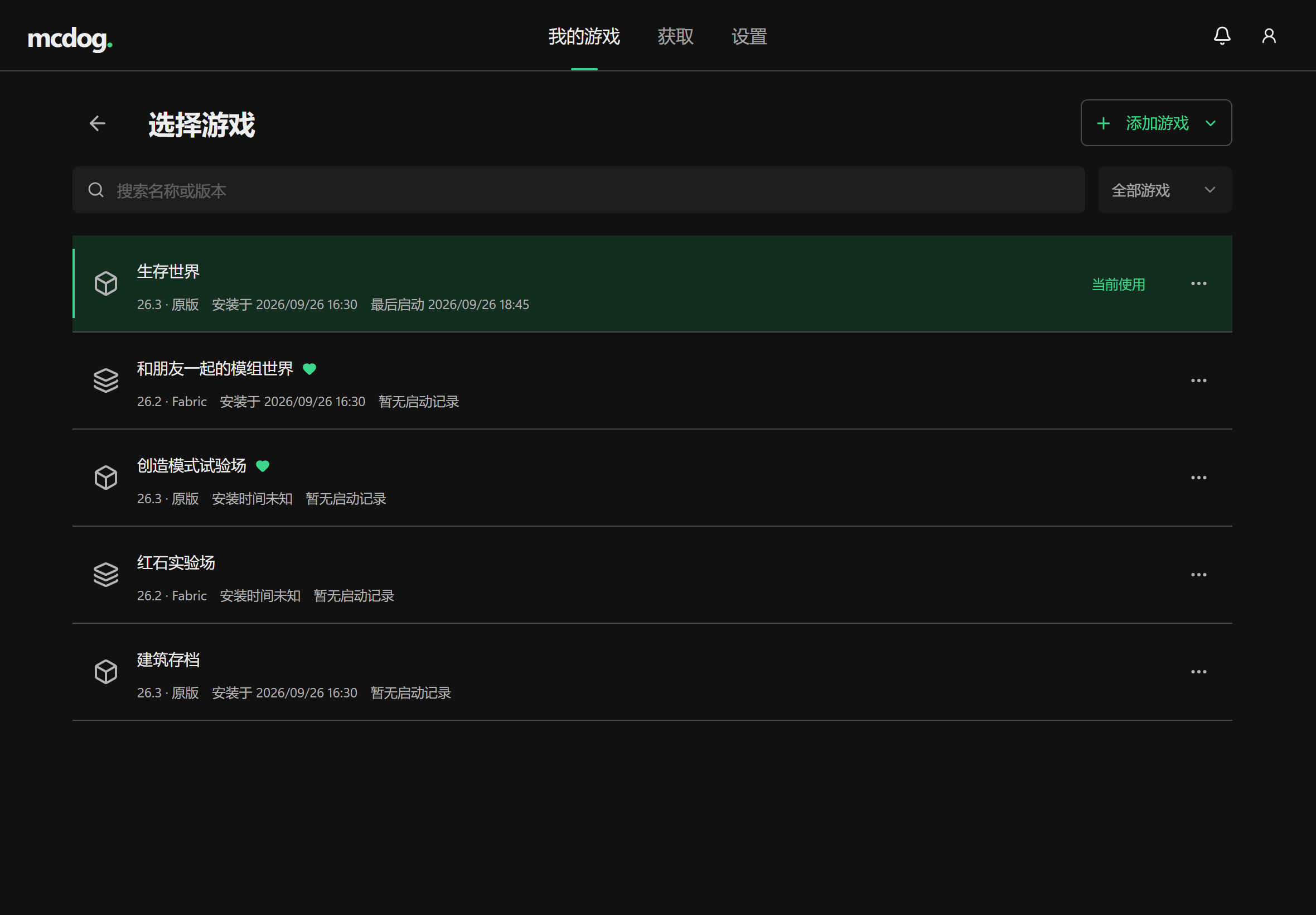
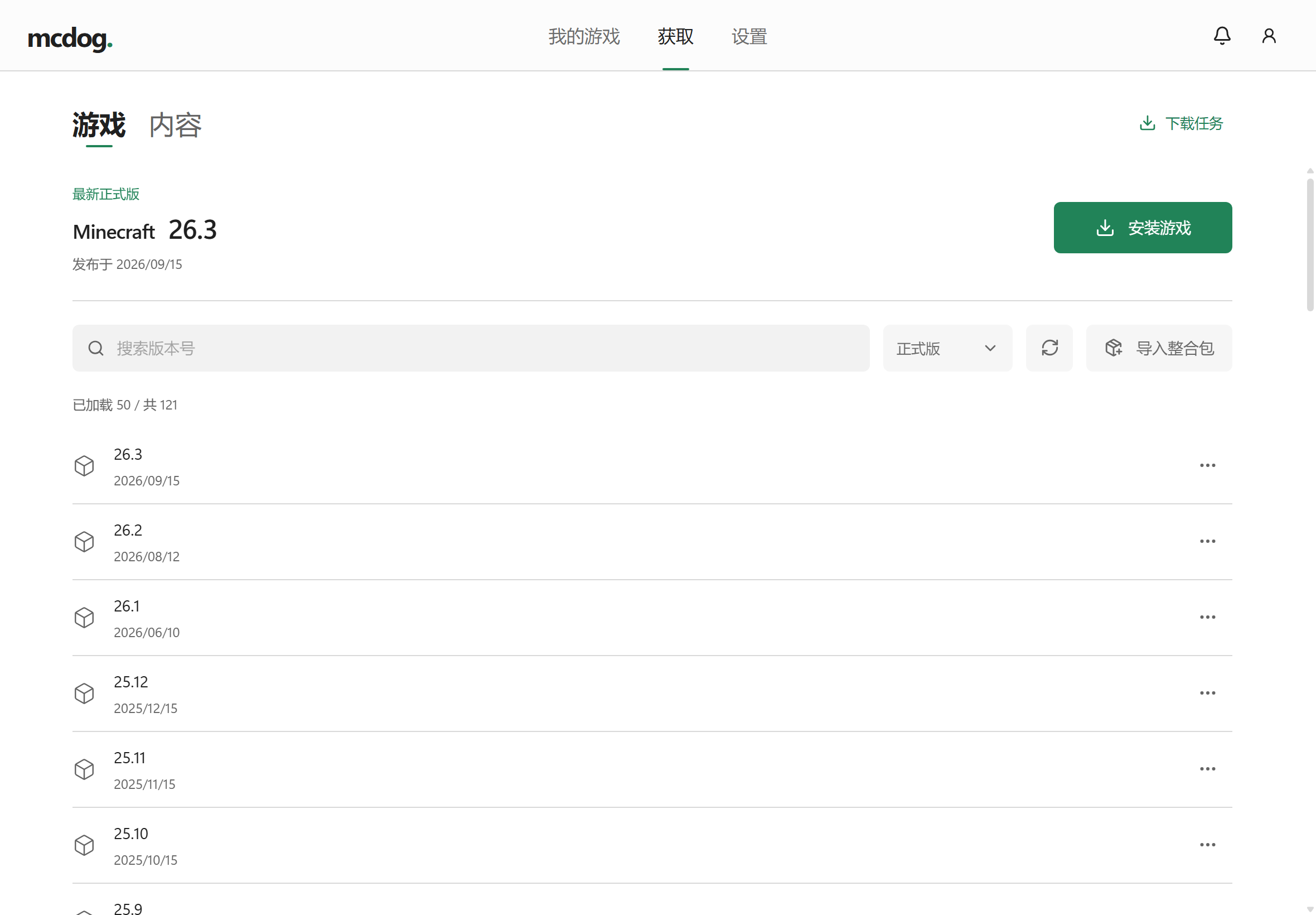
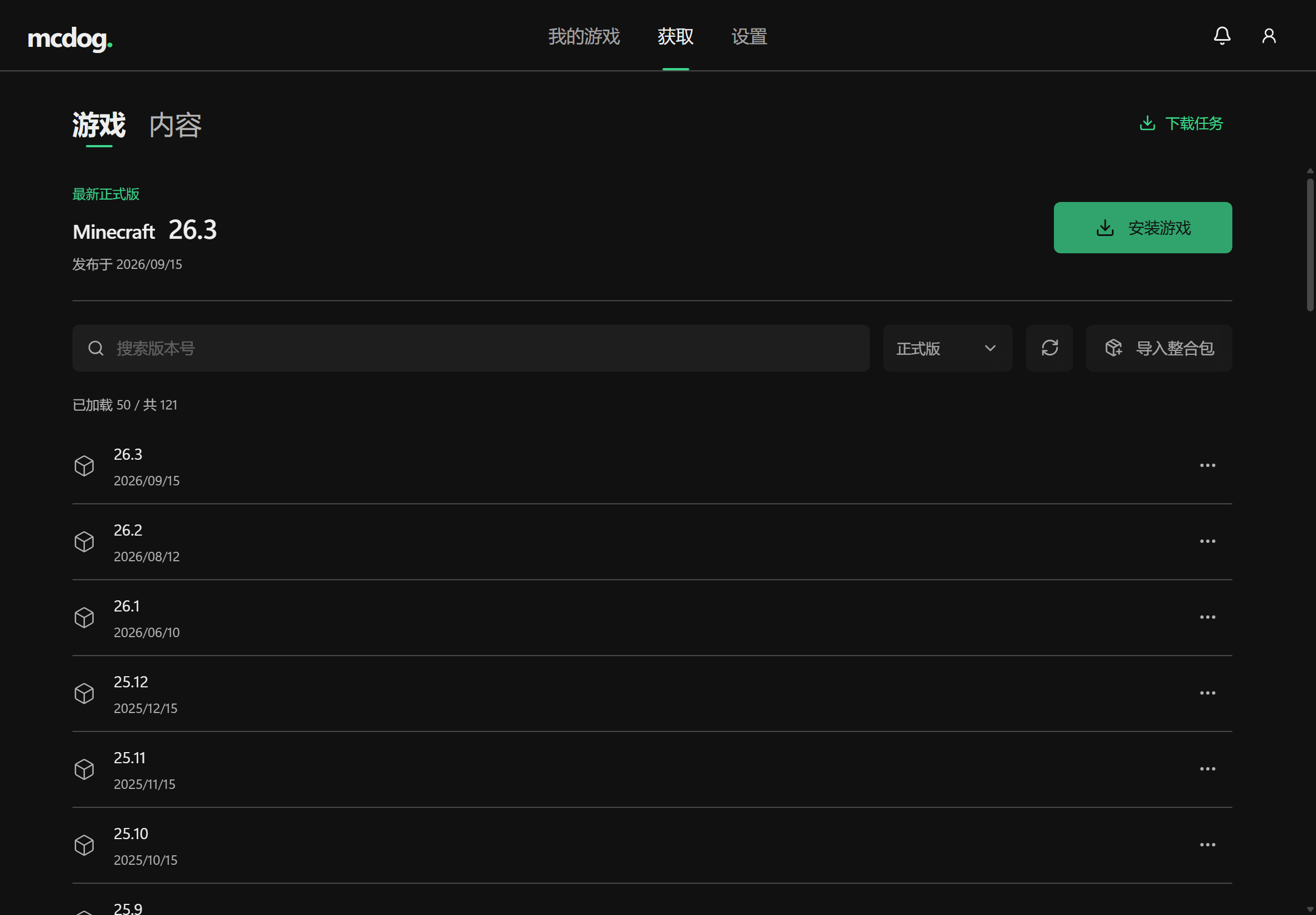
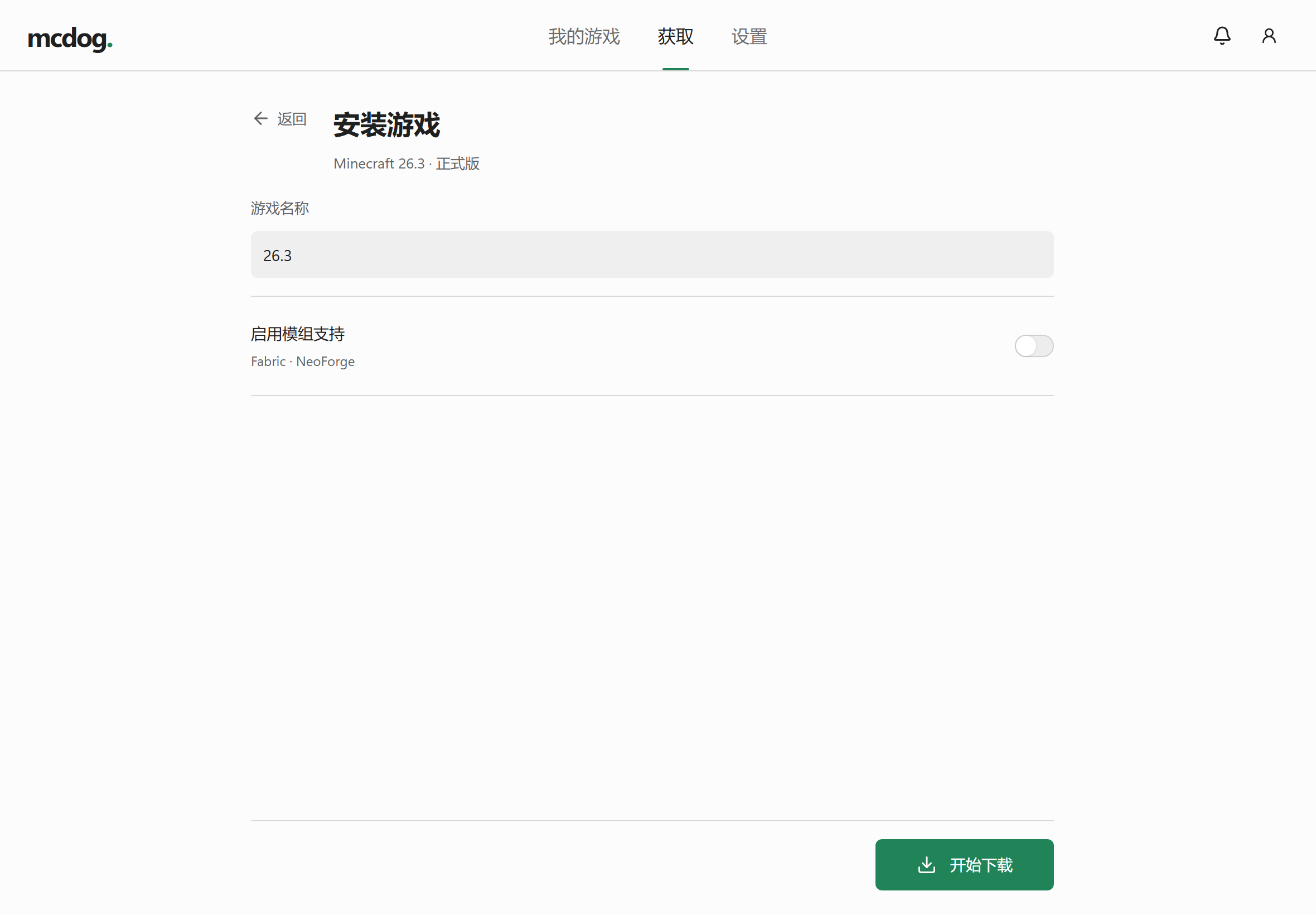
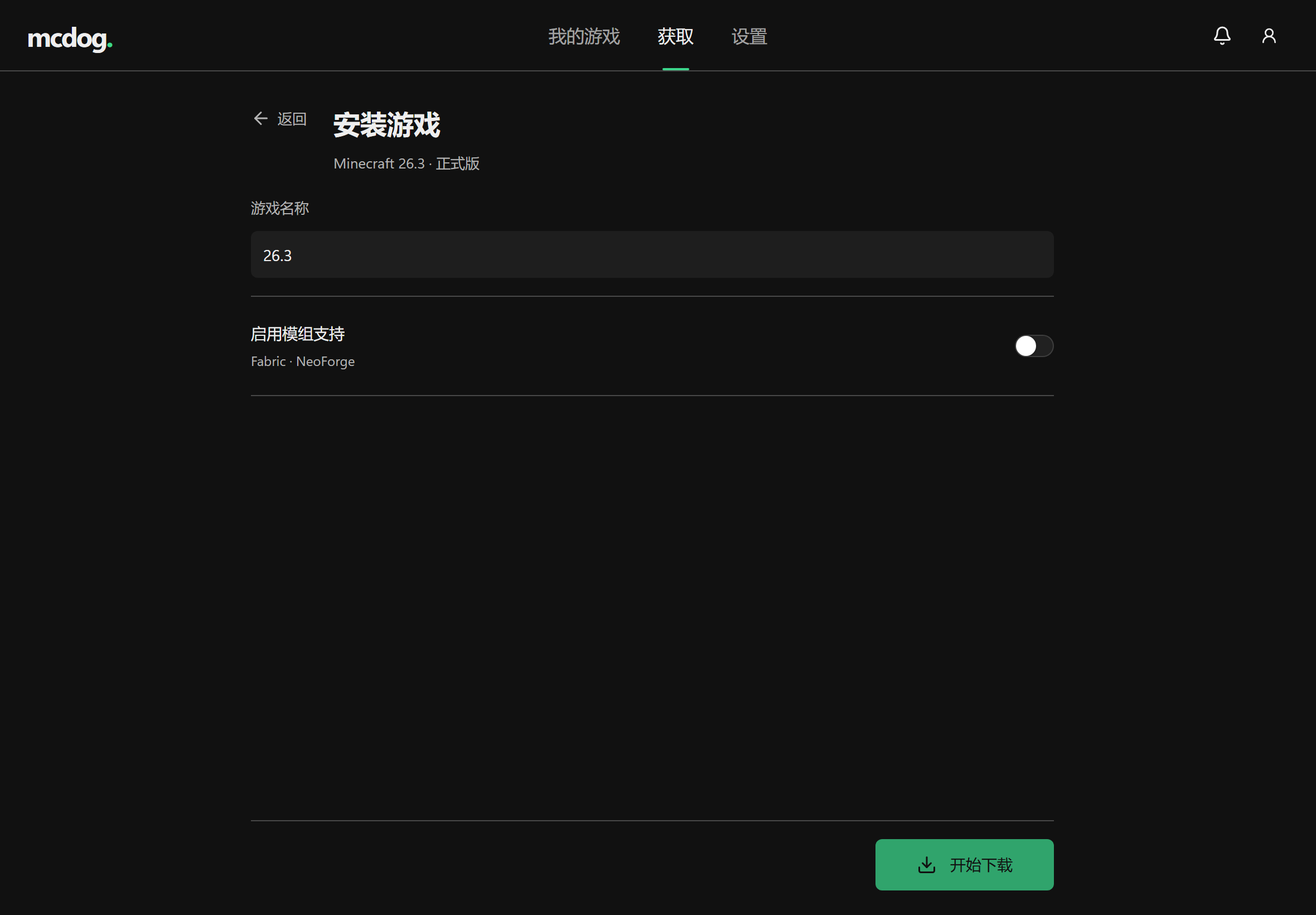
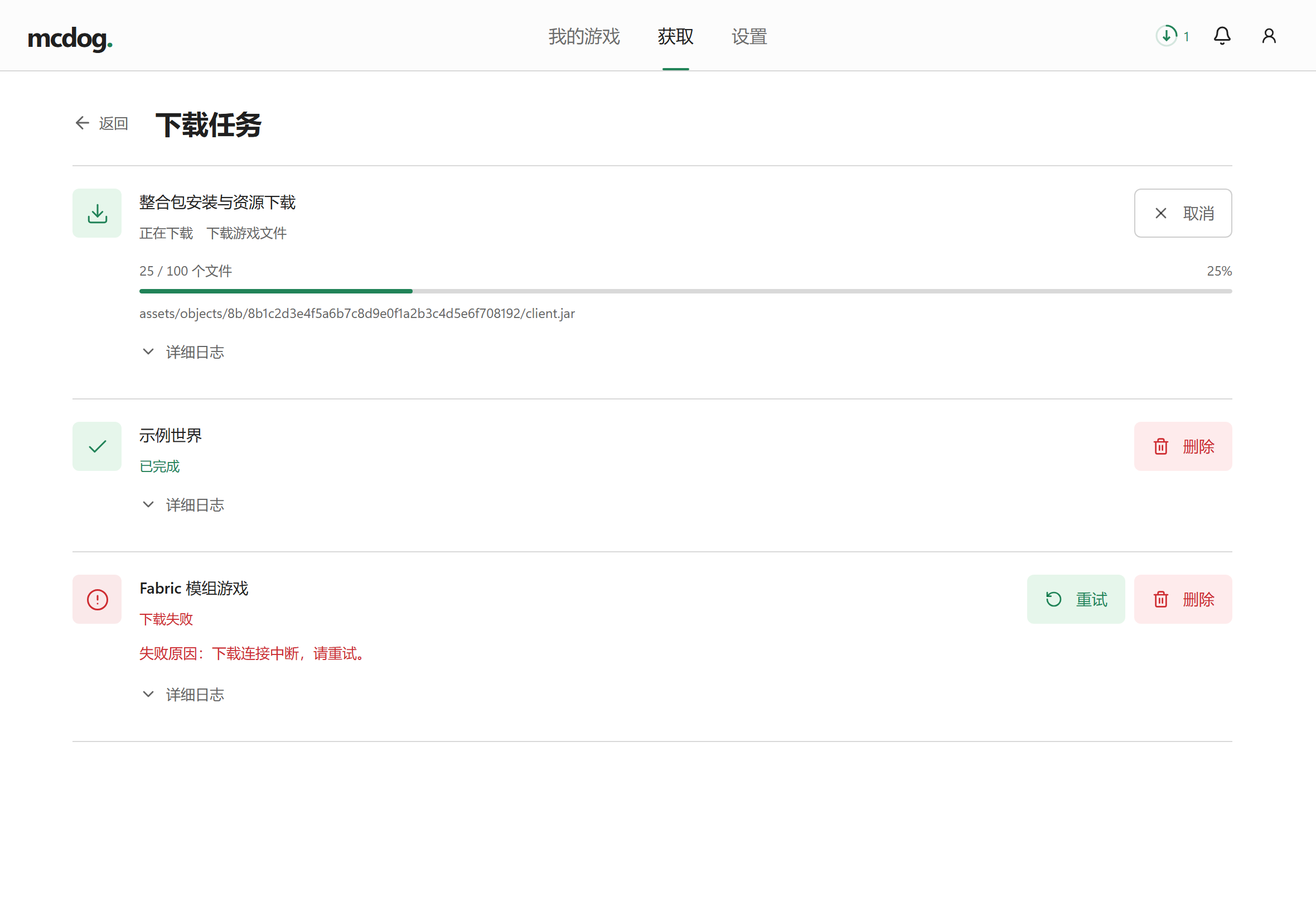
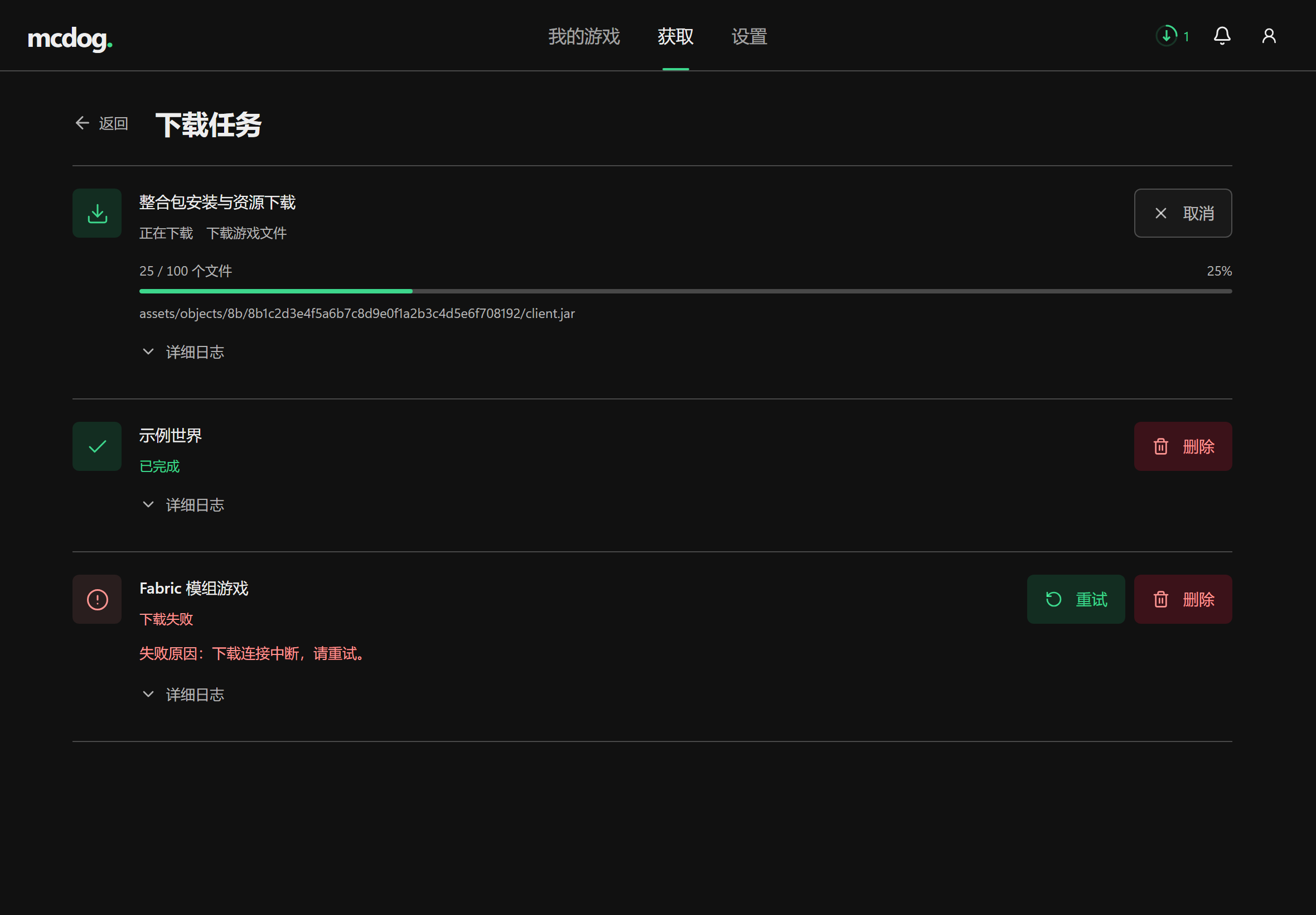
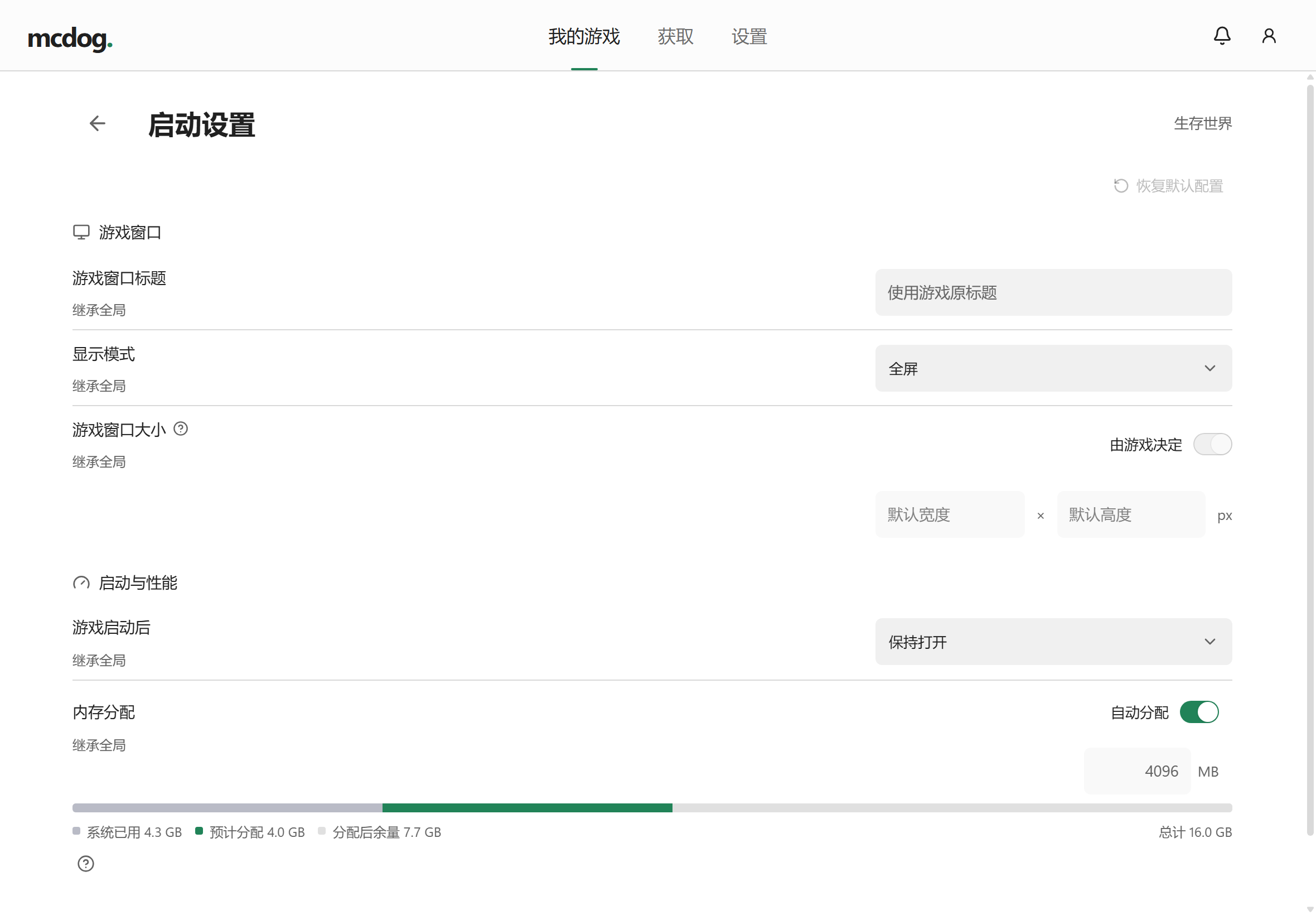
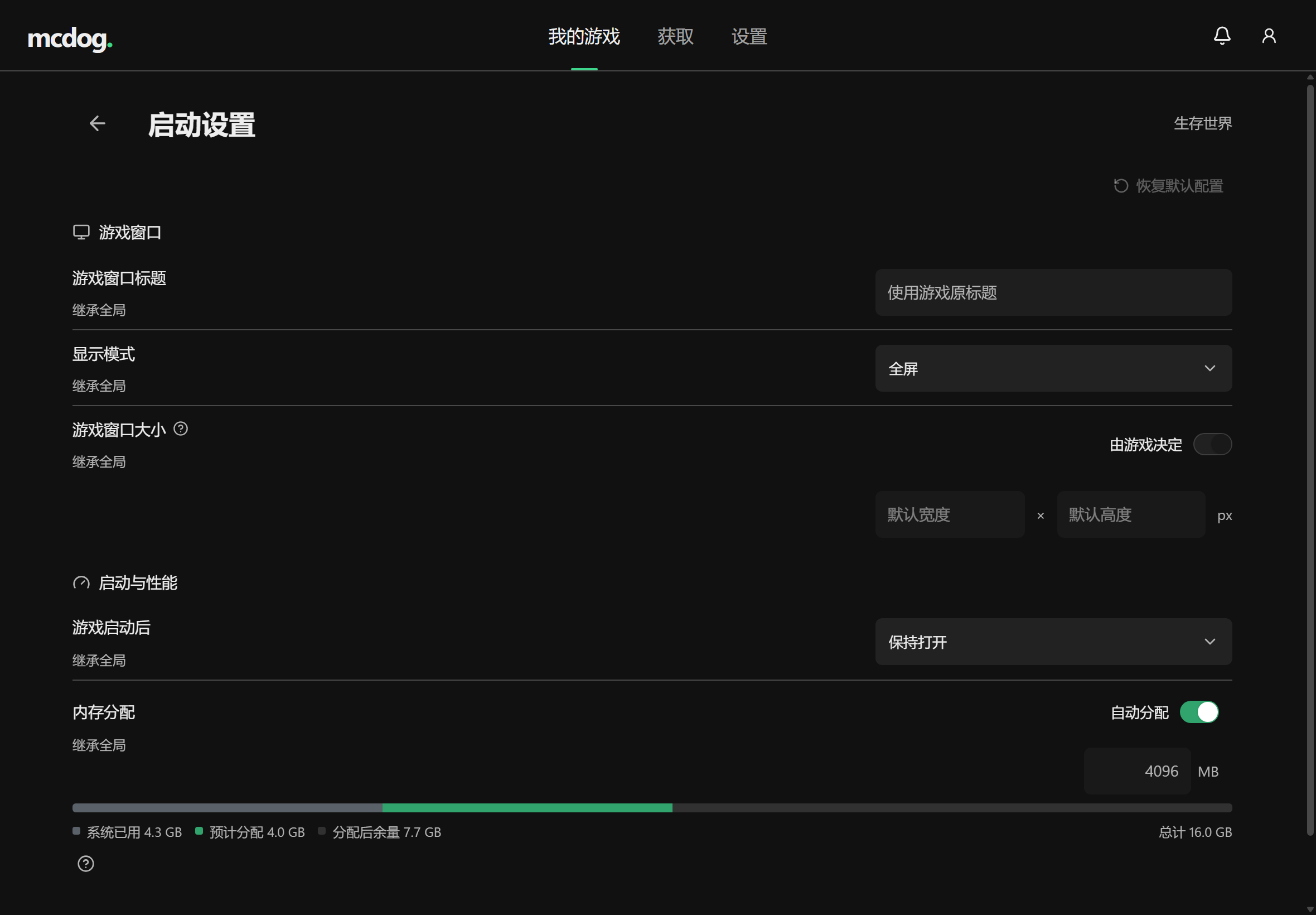
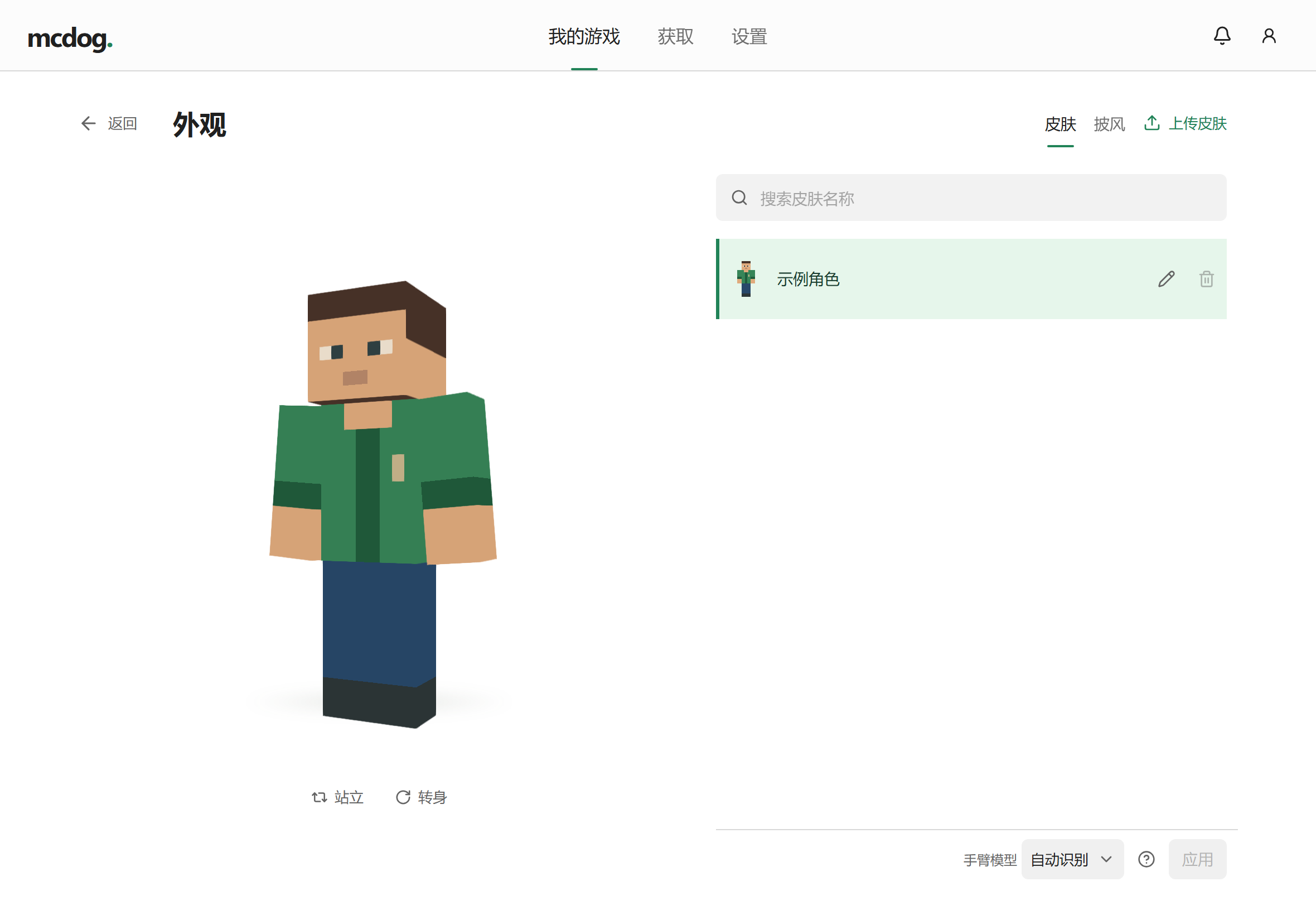
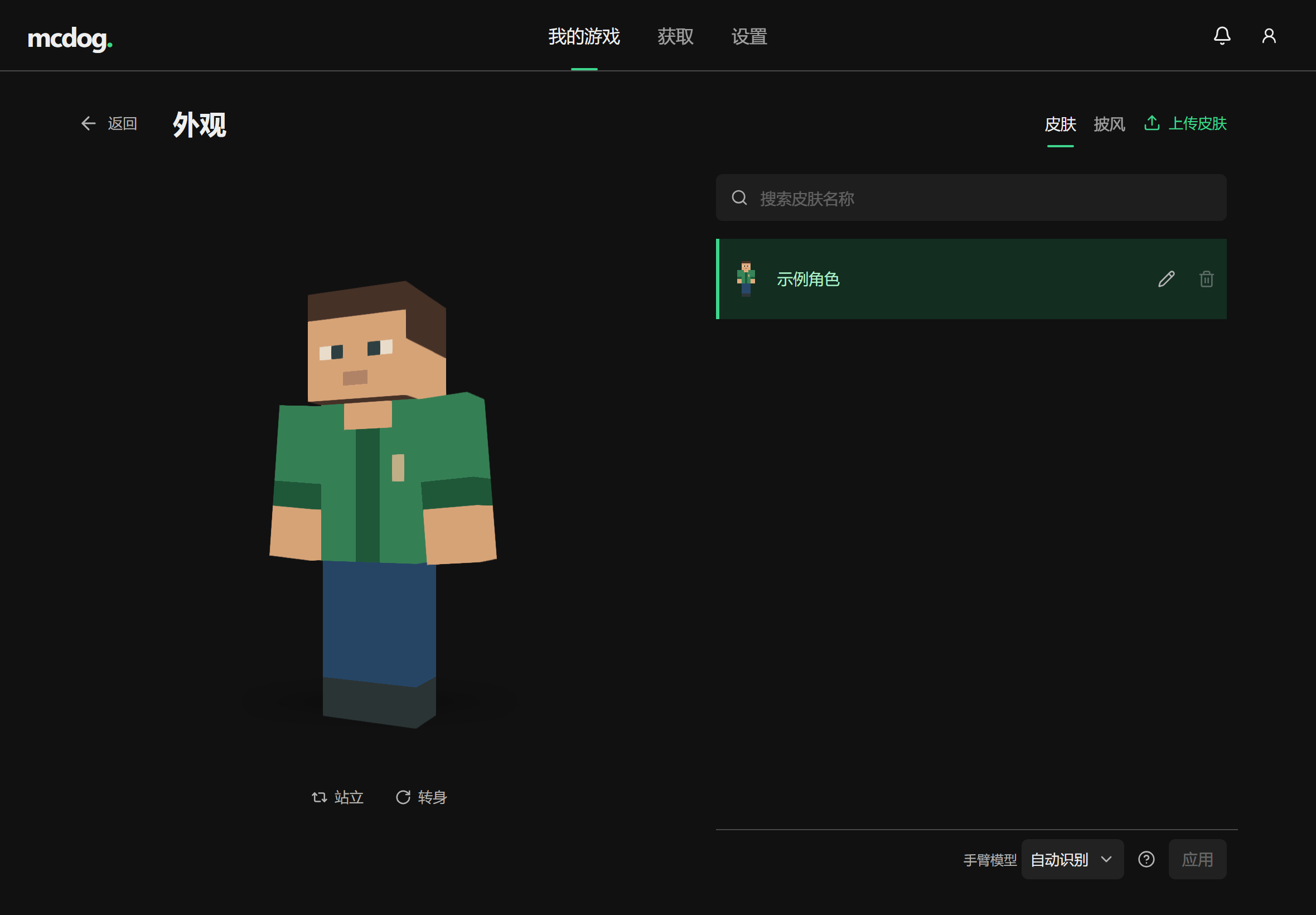
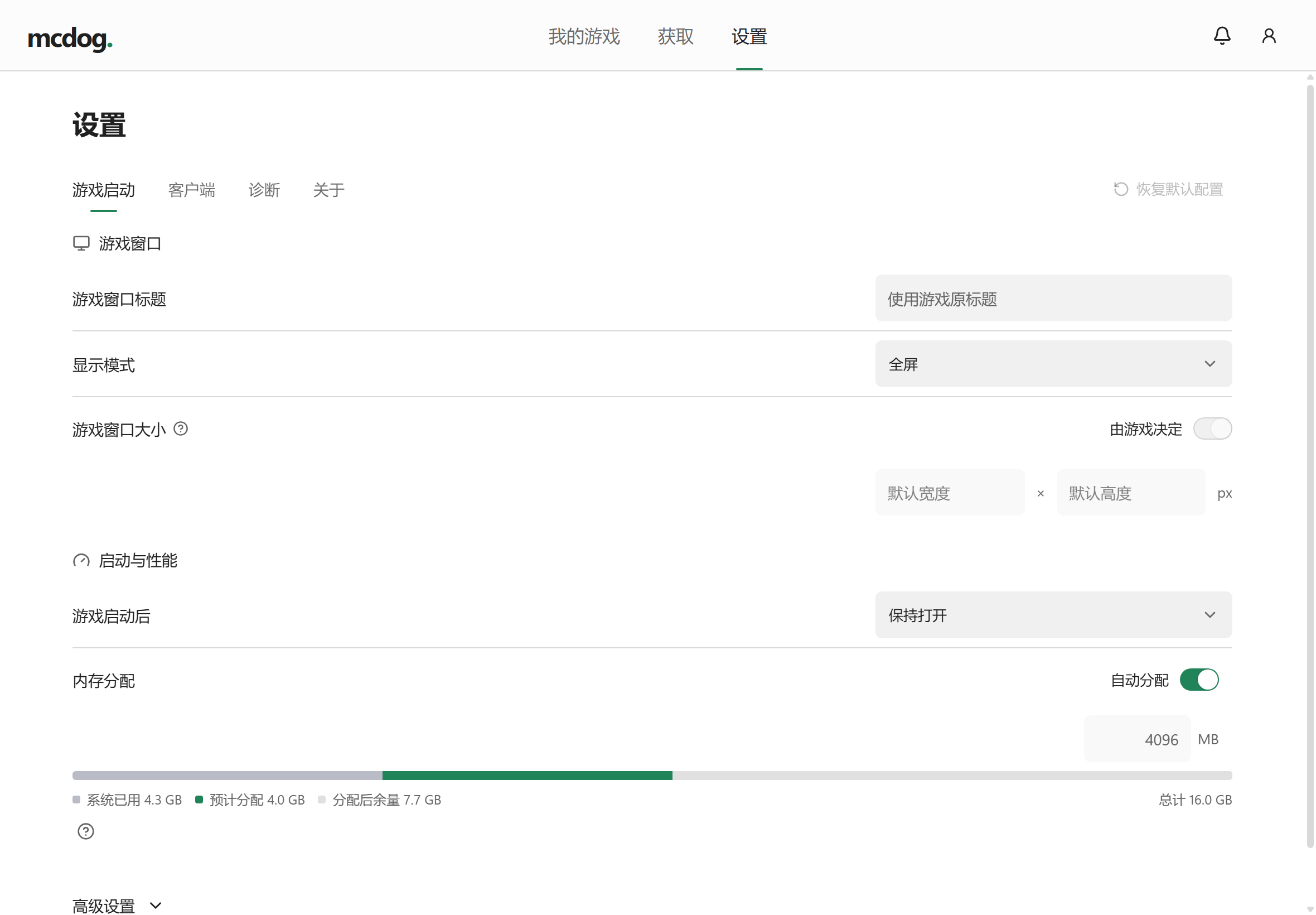
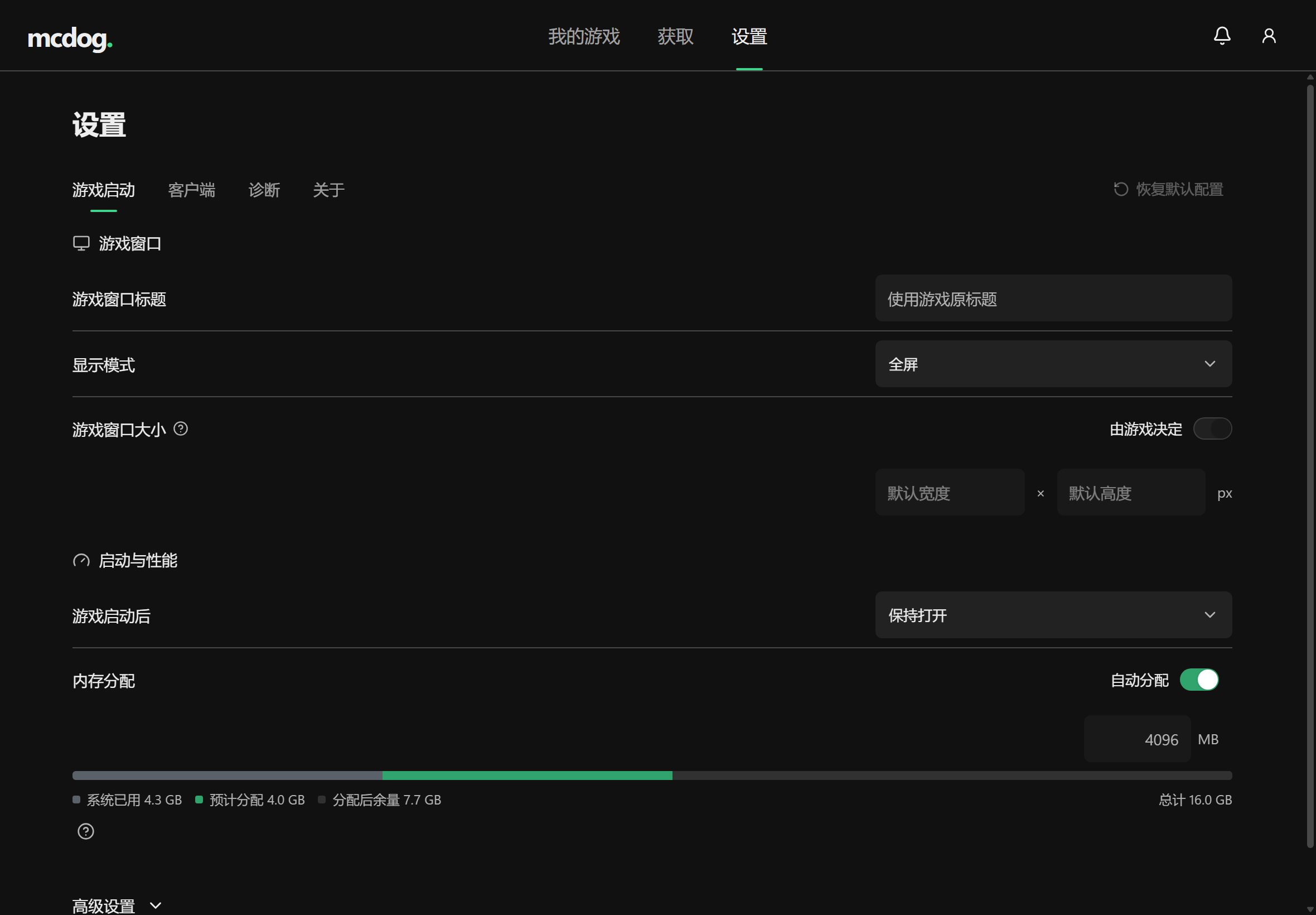
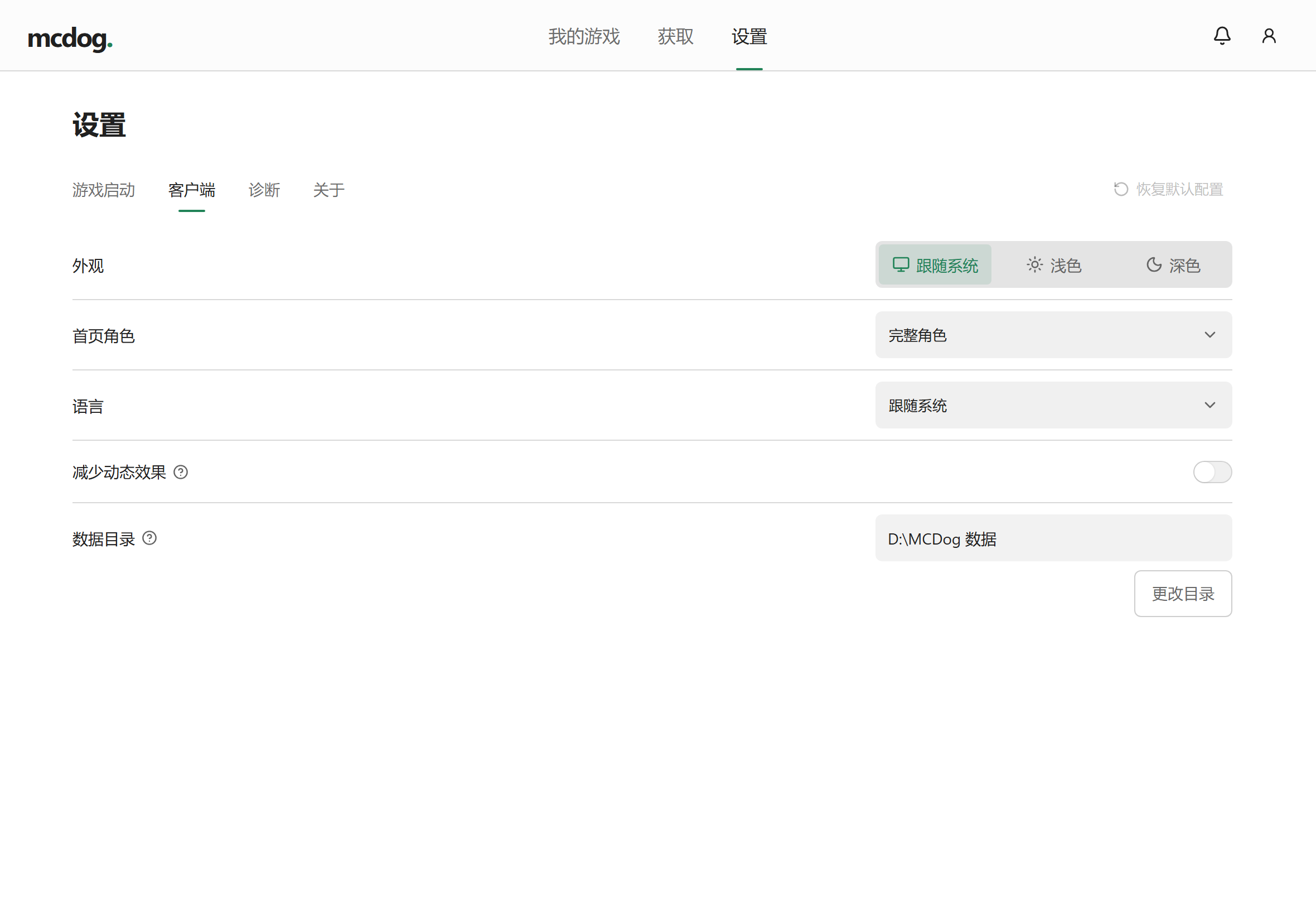
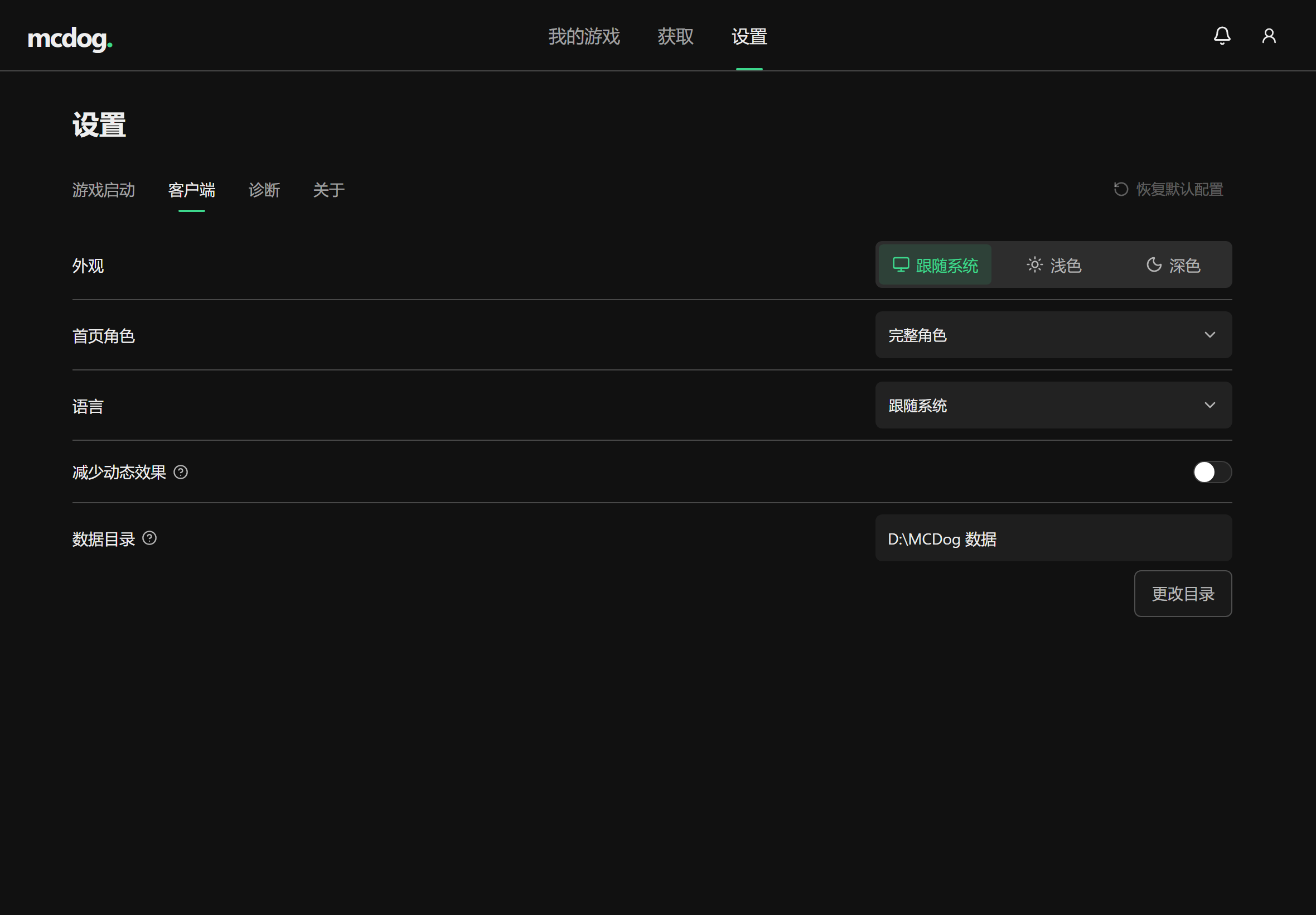
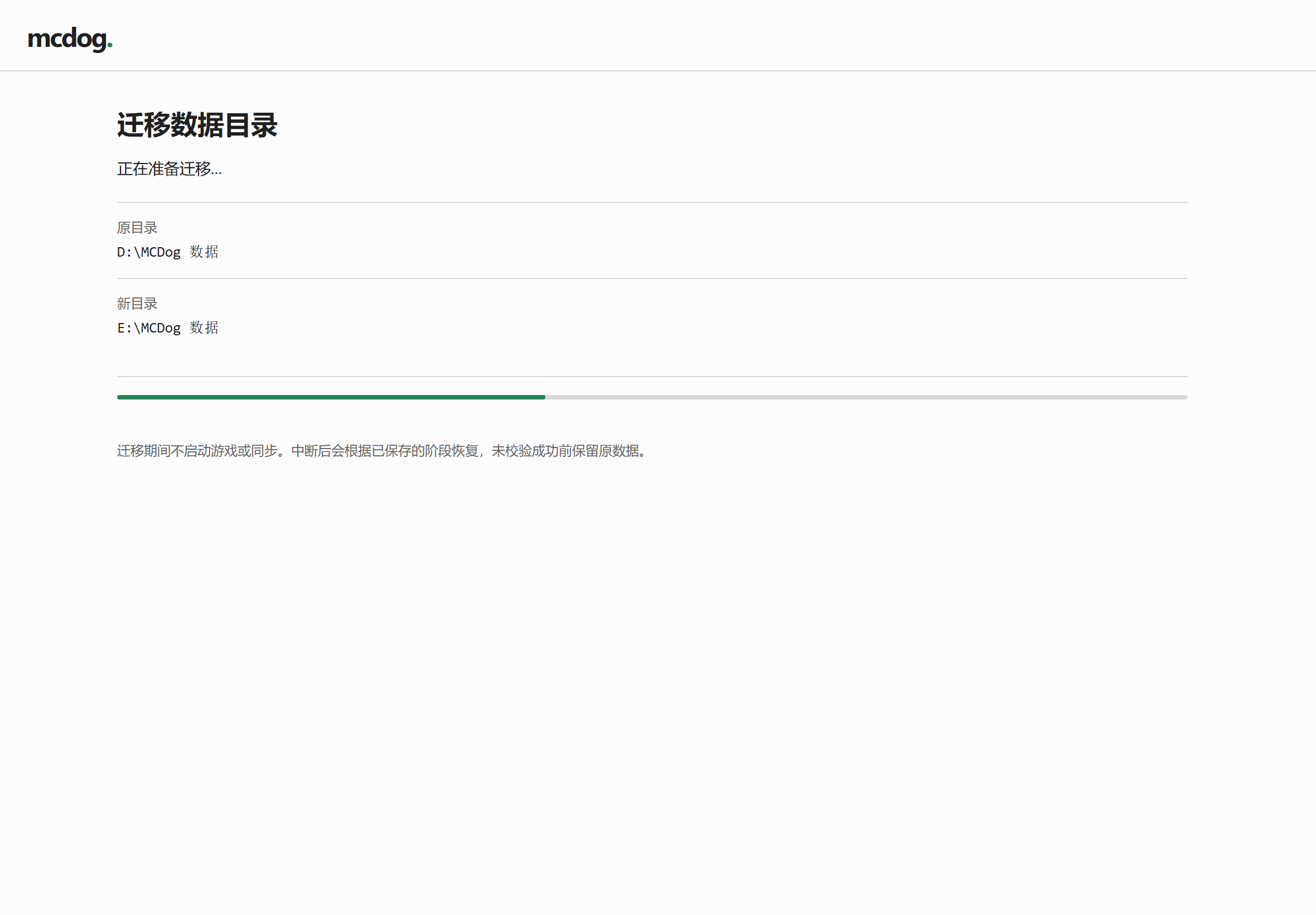
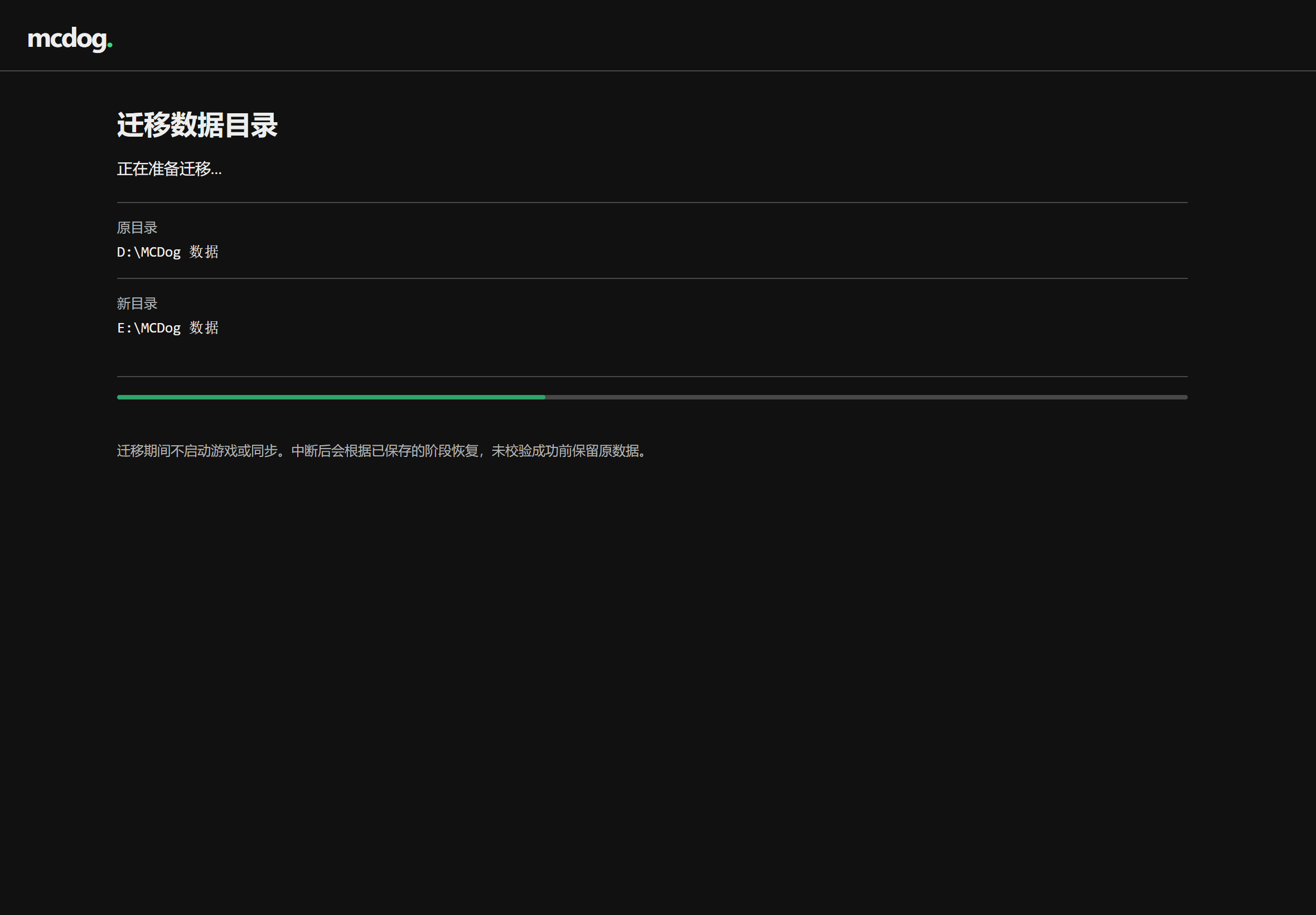
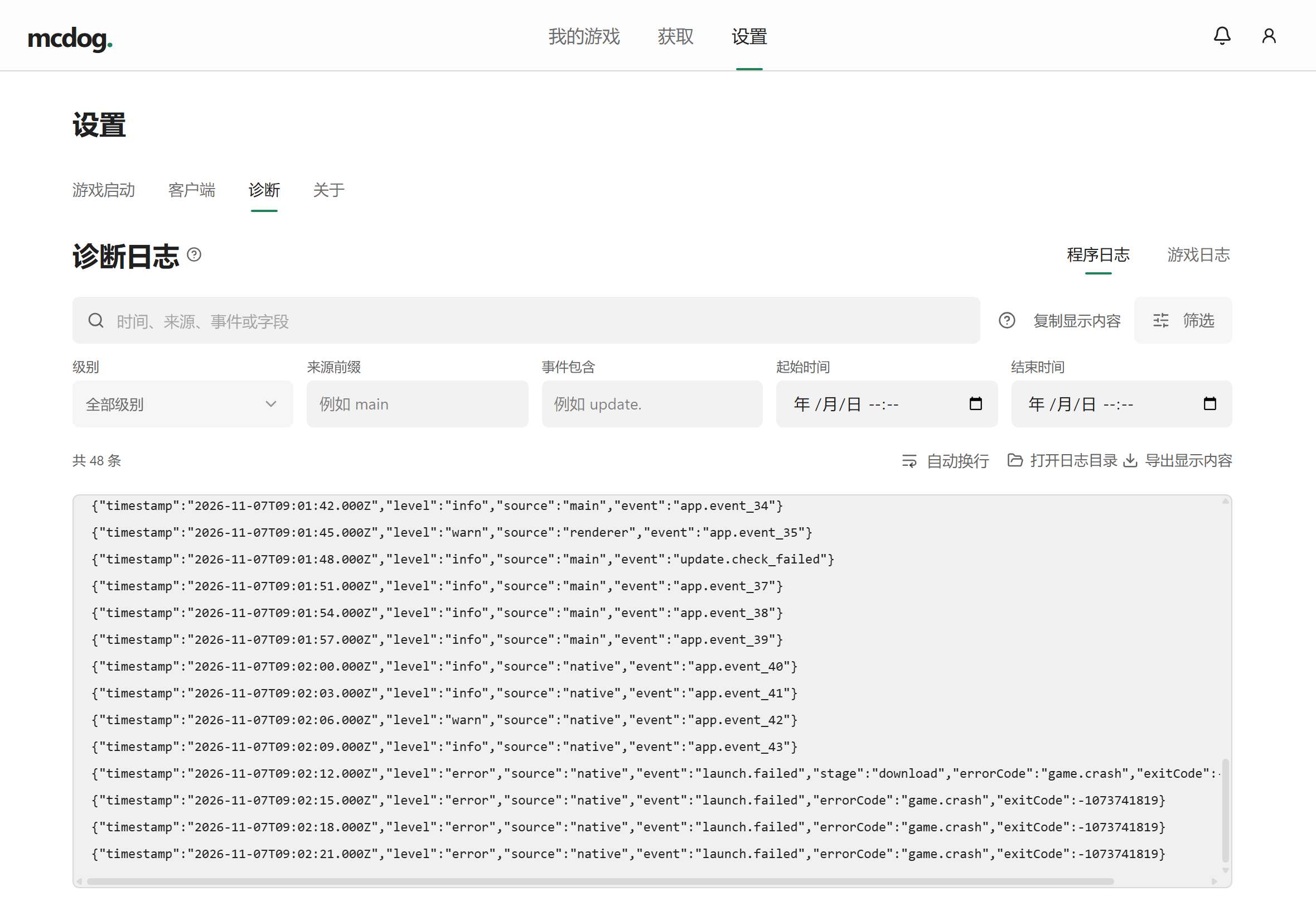
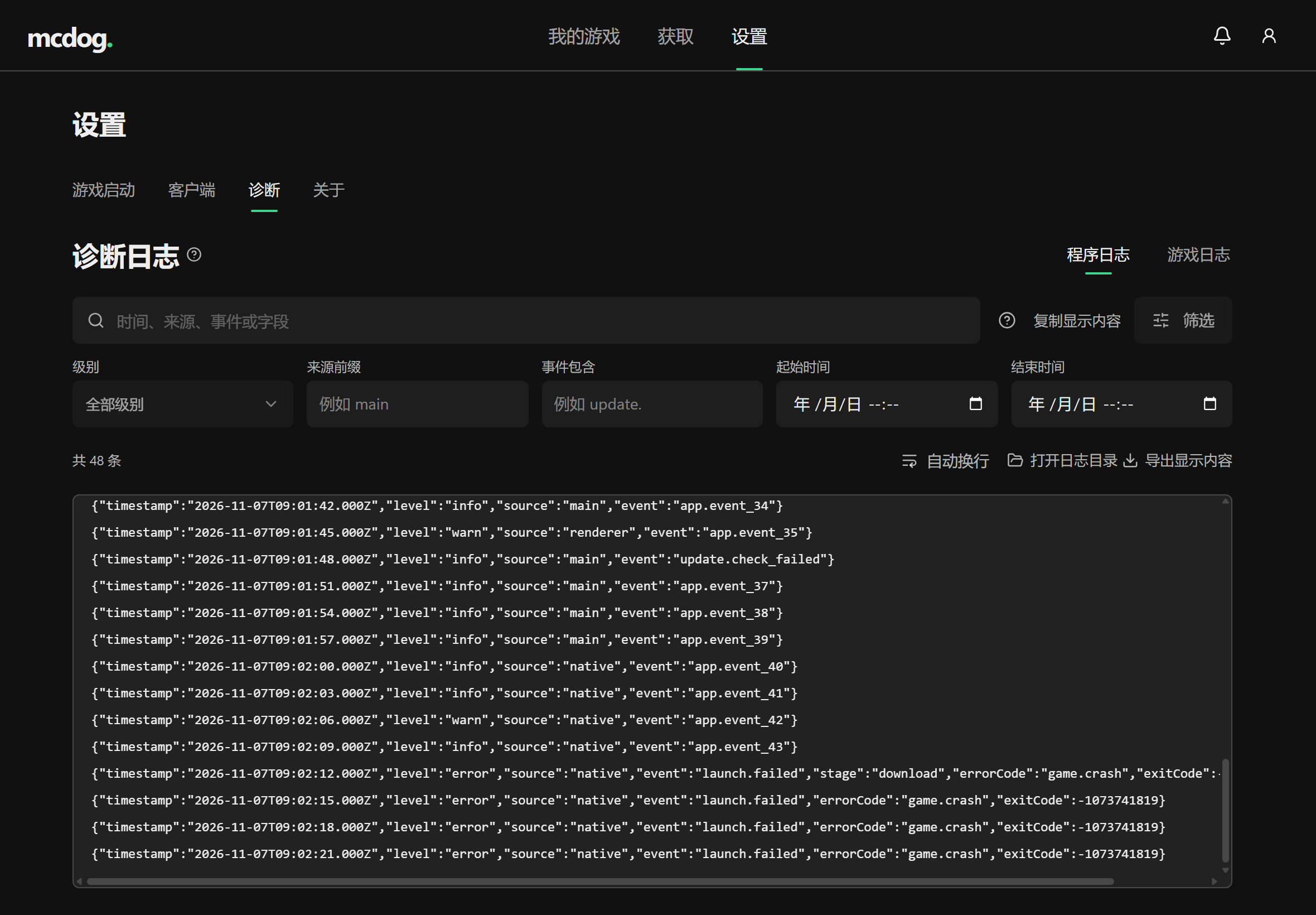
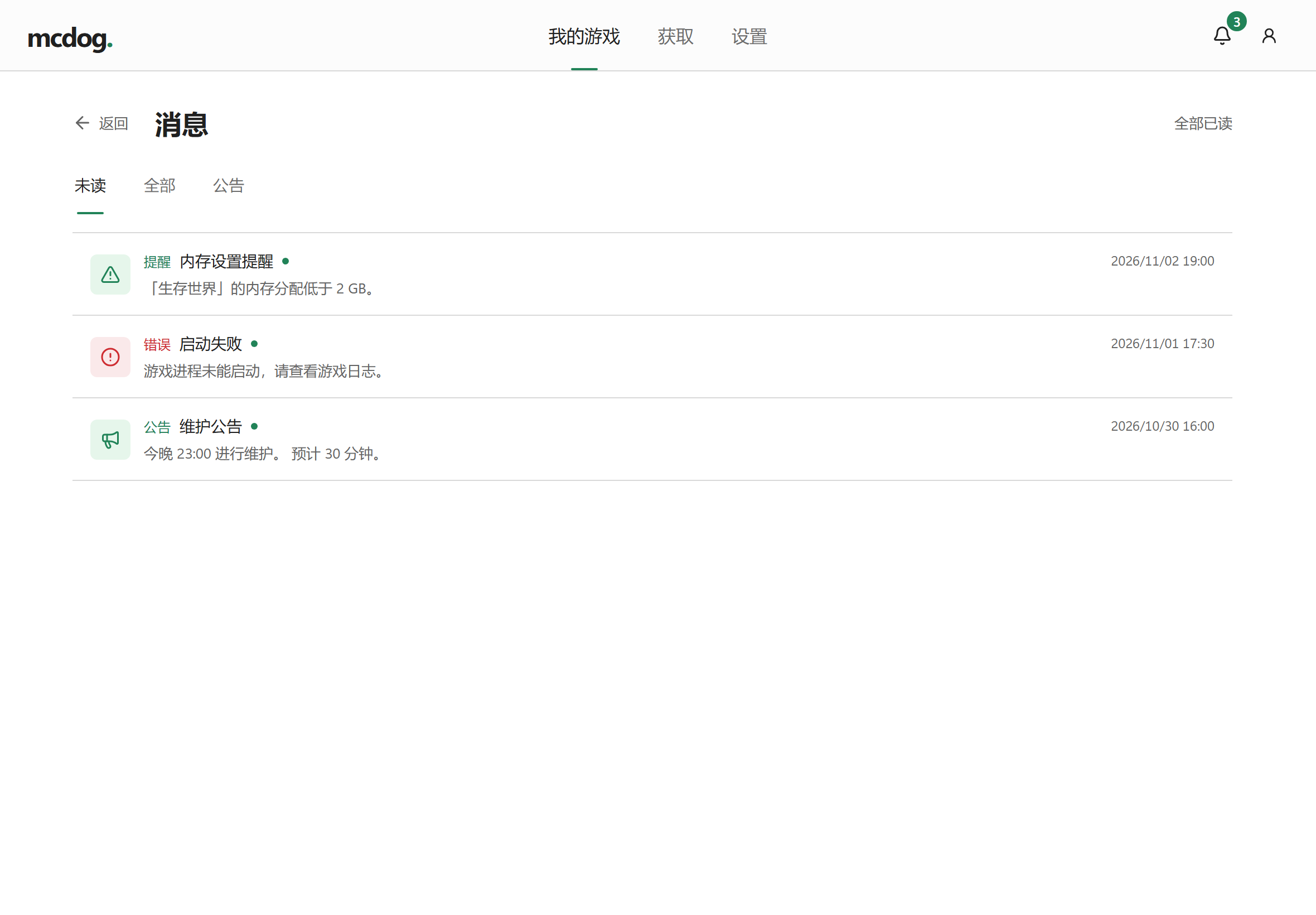
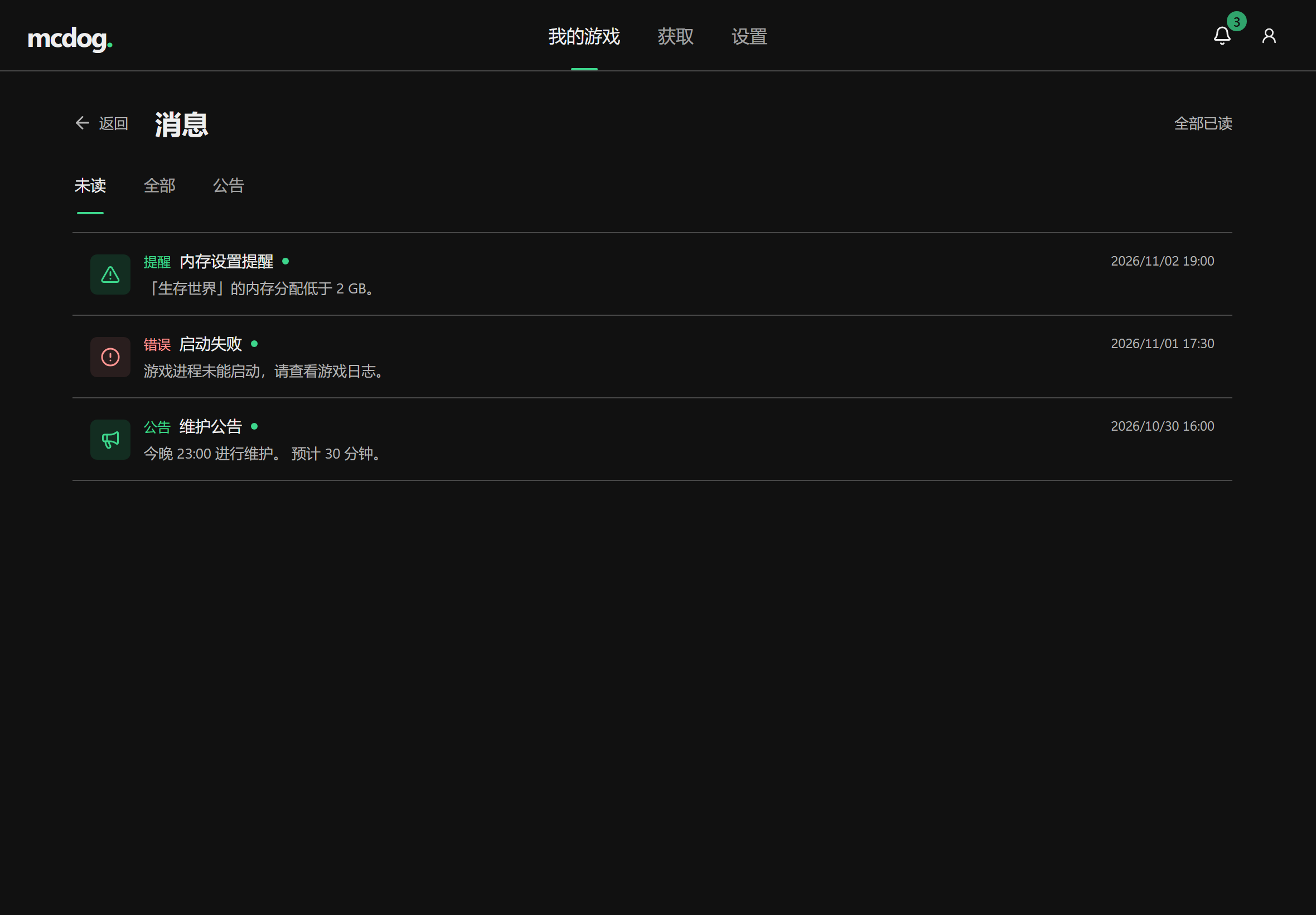
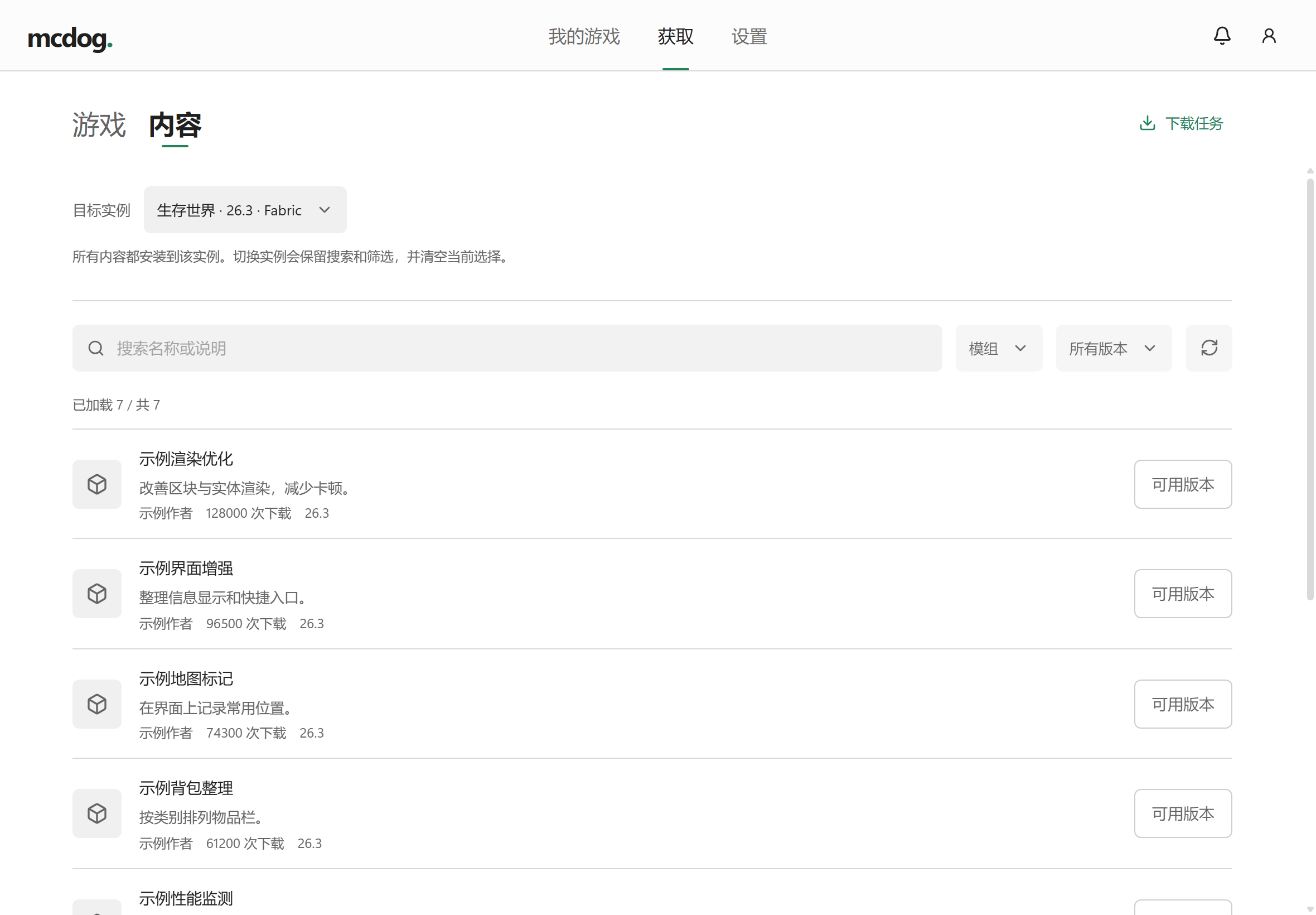
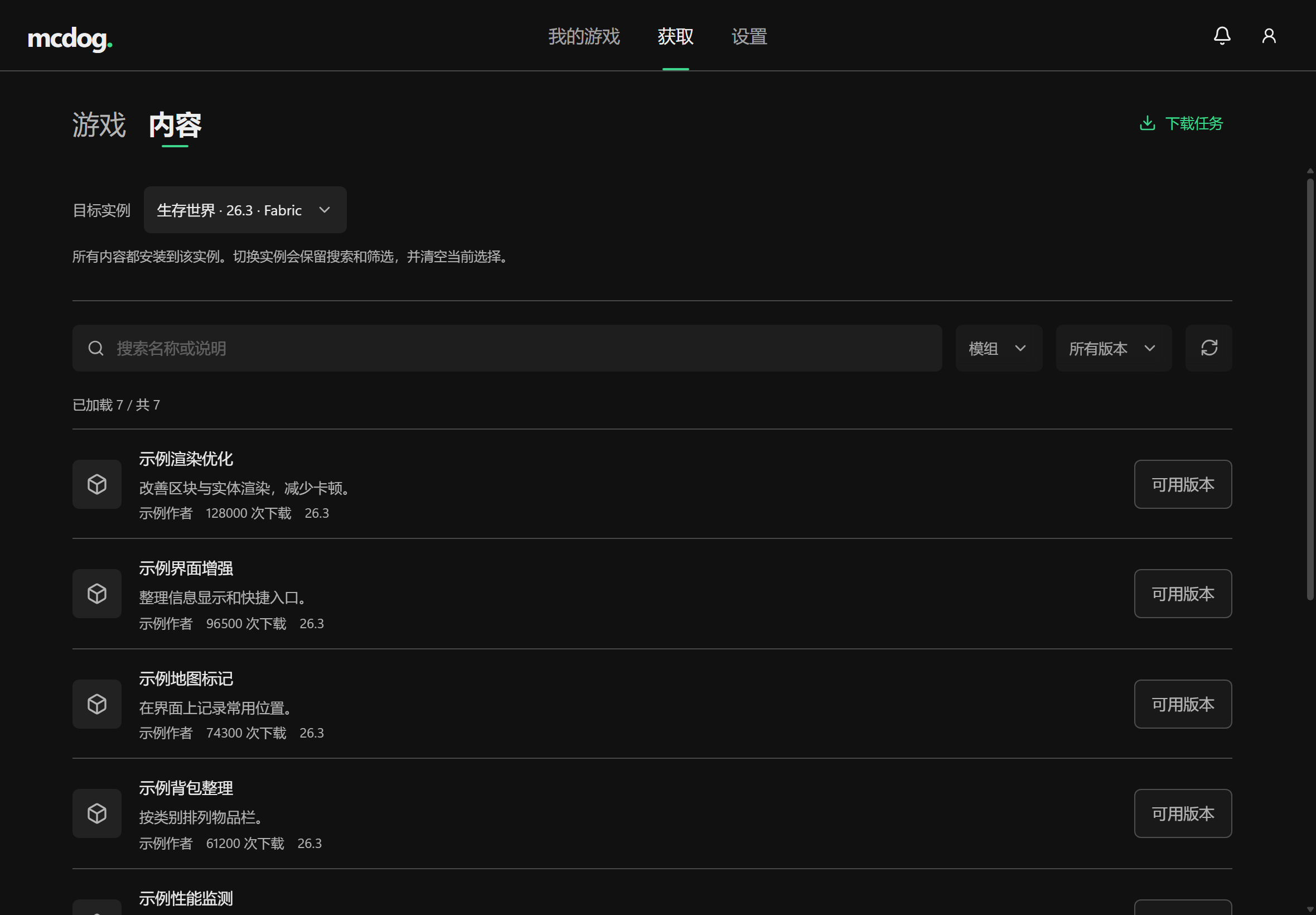
界面预览Interface preview
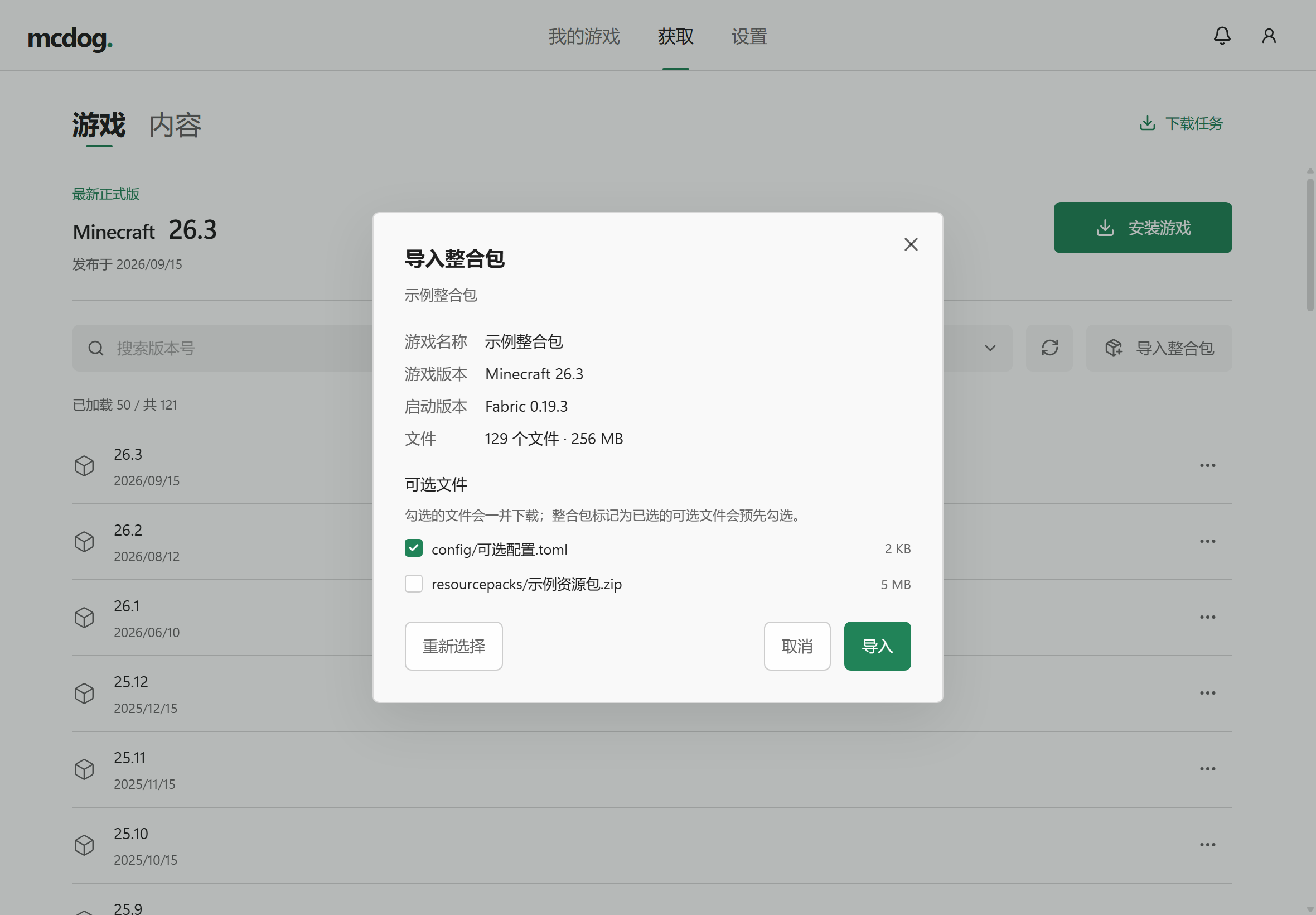
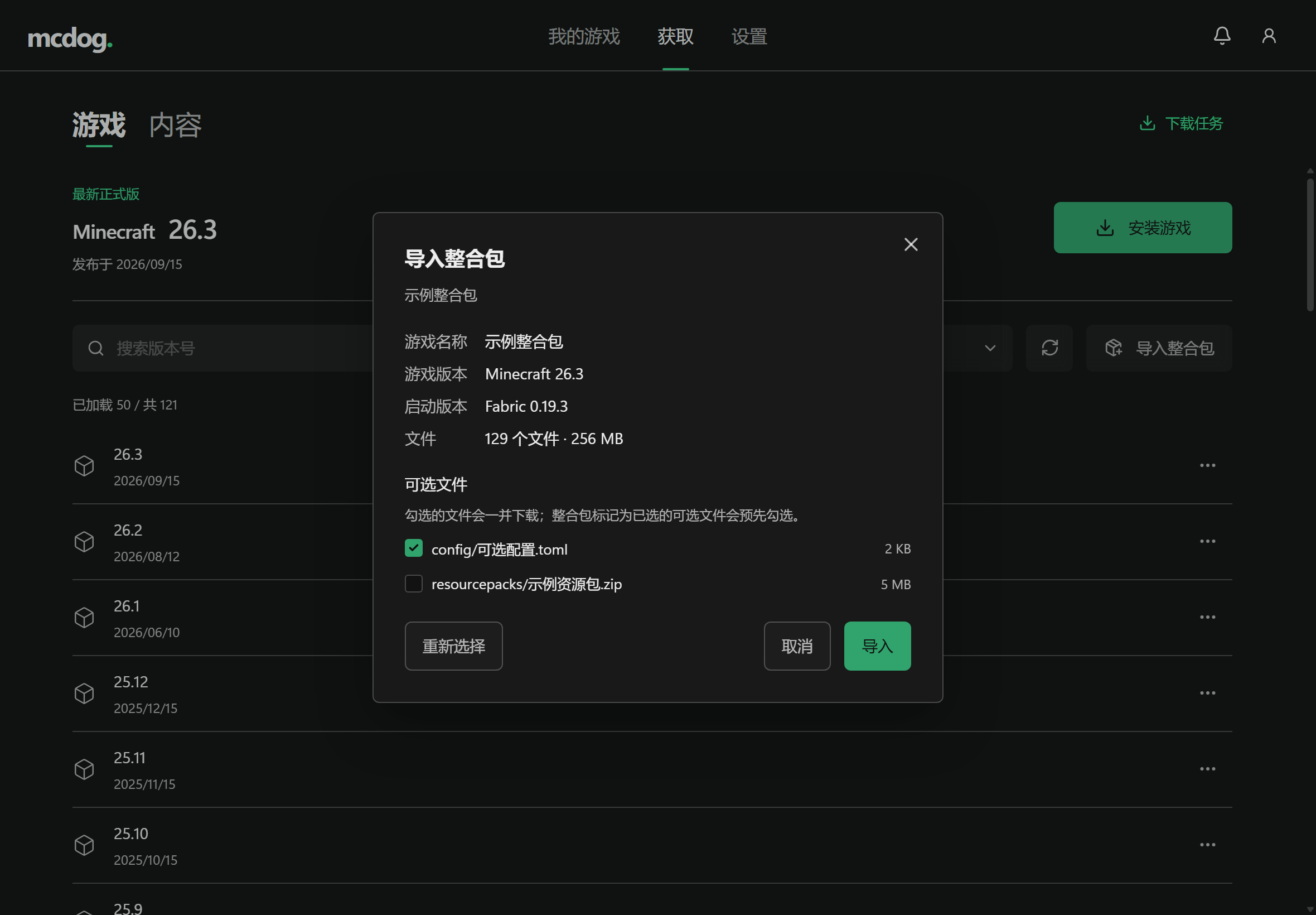
截图都是从启动器里直接截的,不是效果图;里面的数据是示例。These come straight from the launcher, not a mockup. The data in them is just samples.
1 / 15
用得上的四件事Four things you'll use
继续用你的游戏文件夹Keep using your game folder
游戏就在原文件夹里运行。把这个文件夹加进启动器,它只保存自己的设置,存档和模组不动。The game runs from its own folder. Add that folder and the launcher saves only its own settings; saves and mods stay untouched.
先看清楚再导入See what you're importing
名称、游戏版本、加载器、文件数和总大小都会先列出来。你确认之前,硬盘上不会多出文件;不支持的整合包直接拒绝。You see the name, game version, loader, file count and total size before anything is written. Unsupported packs are refused.
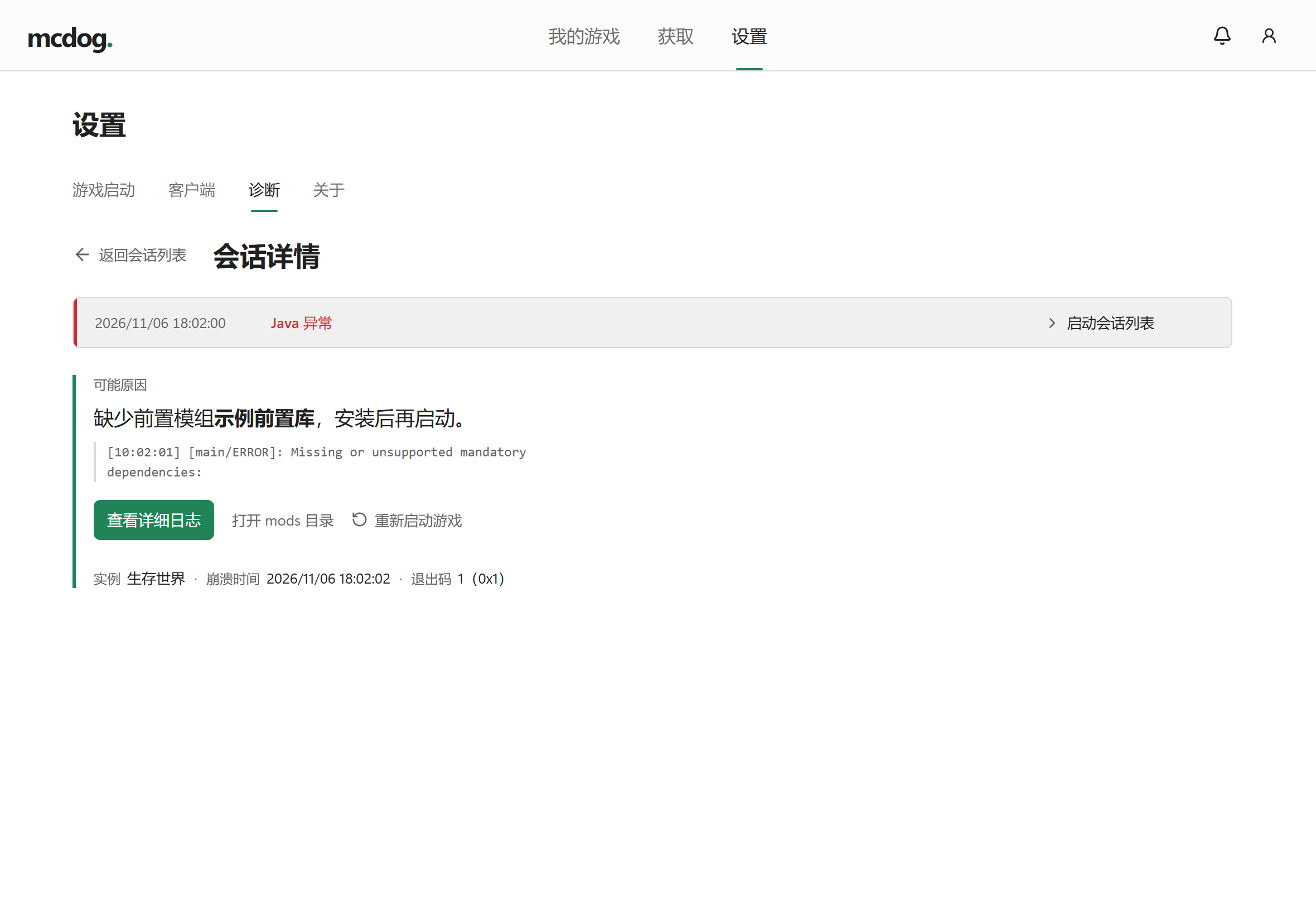
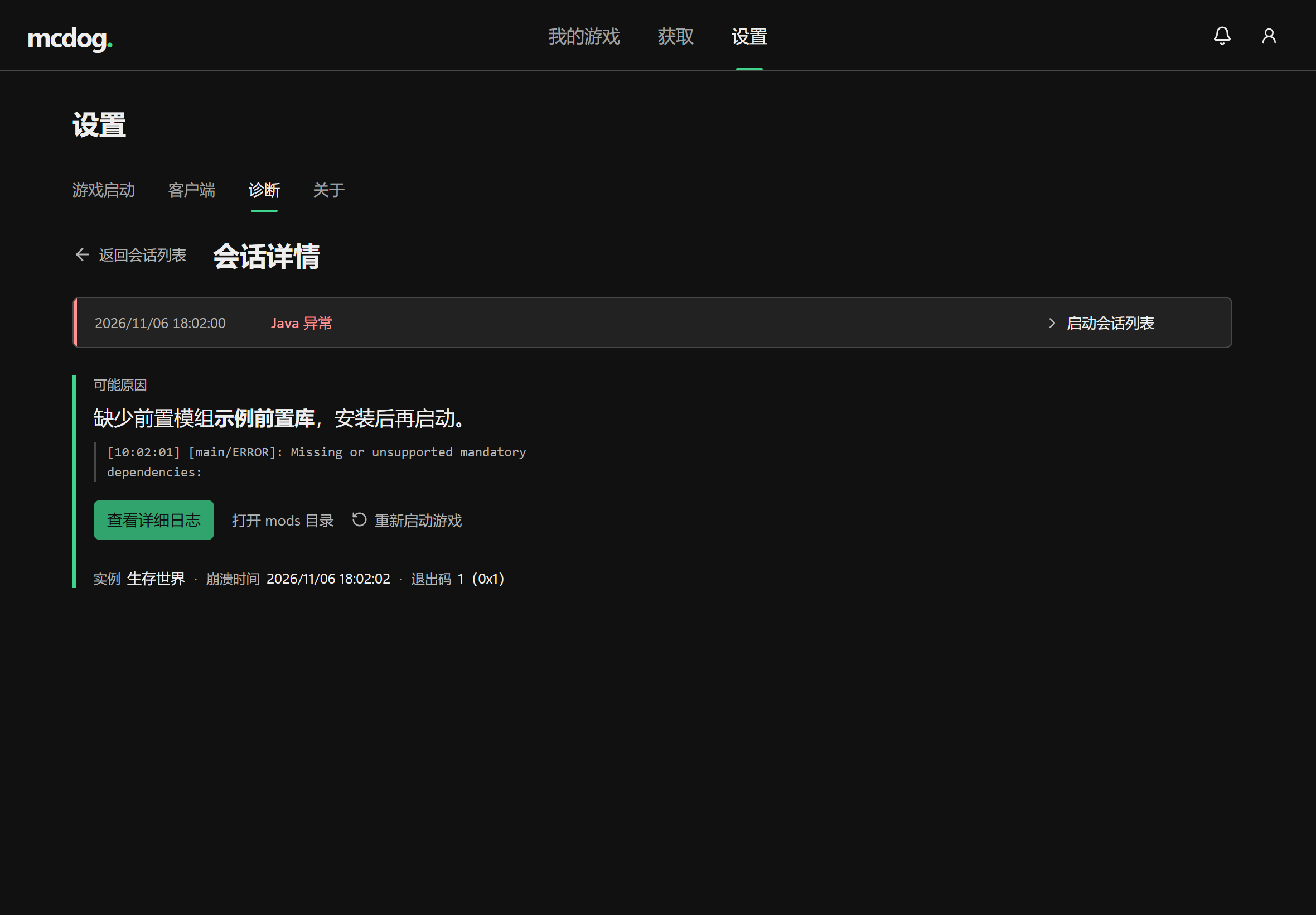
崩溃时找出那个模组Find the mod behind a crash
按你实际装的模组查,指出可疑的那一个,把对应的日志行贴出来;实在判断不了,就直说判断不了。It checks the mods you actually have, names the one it suspects, and shows the log lines. If it cannot tell, it says so.
把数据搬到别的盘Move your data to another drive
整个数据文件夹能复制到别的盘,确认复制完整再换过去,旧的那份原样留着。The whole data folder can move to another drive: copied, checked, then switched, with the old copy kept as it was.
安装 MCDogInstall MCDog
Windows 安装包还在准备。发布后,页面顶部的按钮就能下载。The Windows installer is still being prepared. When it is out, the button at the top of the page will download it.